
Seagate 8TB BarraCuda
4.7Editor score
High capacity storage option
Proven desktop reliability
Fast sustained transfer rates
Selecting the right hard drive for your Jellyfin server is crucial for smooth media streaming and reliable data storage. You need drives that can handle continuous read operations without bottlenecking your system or overheating during extended use.
We compared ten top-rated drives based on capacity reliability and specific features like NAS optimization or surveillance tuning. Our analysis focuses on how each drive performs in home server environments where consistent uptime matters most.
Each pick highlights specific strengths such as cache size workload ratings or warranty coverage. Please note that pricing and availability change frequently so verify current details before purchasing to ensure you get the best value.
4.7Editor score
4.2Editor score

4.6Editor score
As an Amazon Associate we earn from qualifying purchases.
This side-by-side comparison examines all ten drives to highlight their key specifications and intended use cases. Understanding these differences helps you match a drive to your specific Jellyfin setup requirements.




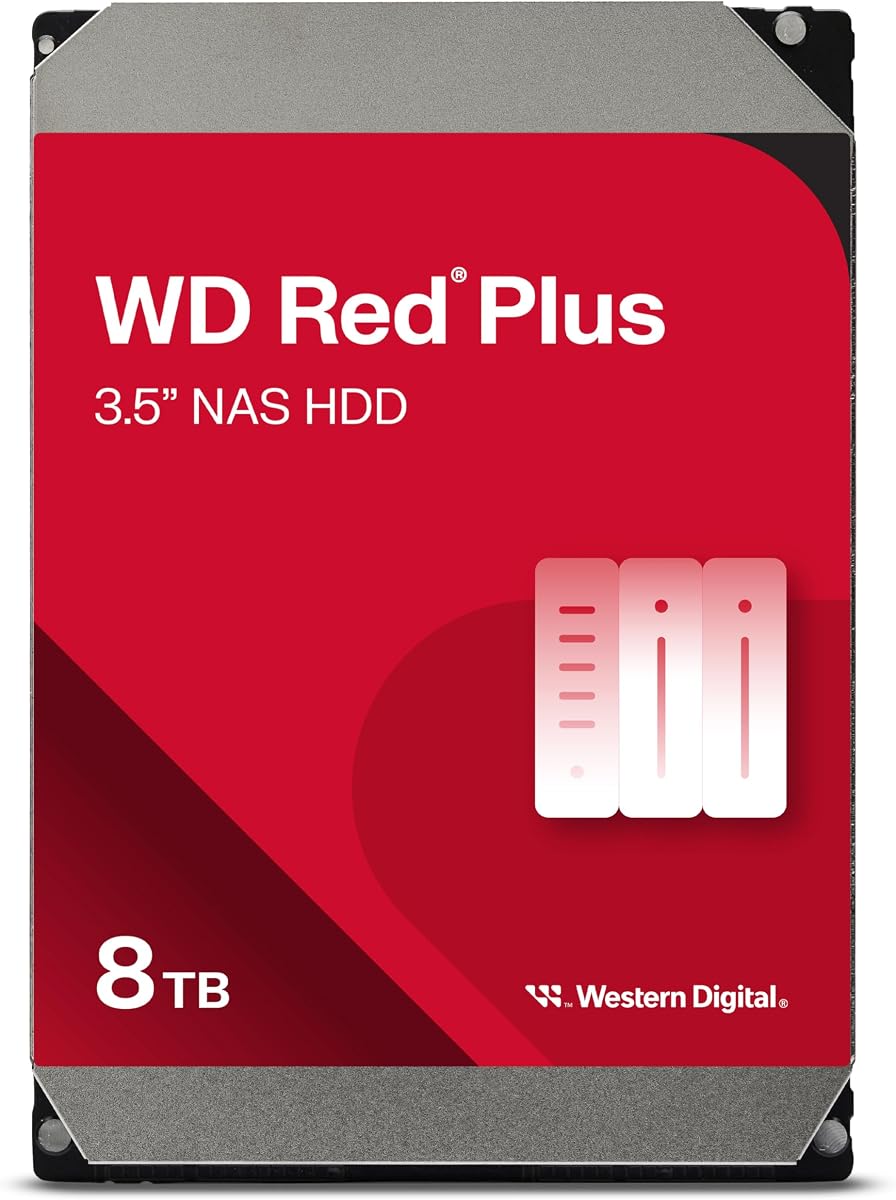
This WD Red Plus drive is rated highly for NAS environments making it ideal for Jellyfin servers. It supports 24×7 operation with a workload rate designed for continuous media streaming access.
We may earn a commission when you buy through this link, at no additional cost to you.
The CMR technology ensures consistent performance during heavy write operations which is crucial when transcoding or saving large media libraries. Its NASware firmware optimizes compatibility across different RAID setups and operating systems.
While it costs more than standard desktop drives the reliability for long-term uptime justifies the investment. The lower RPM reduces heat and noise which is beneficial for home server setups.
Buy this if you need a reliable storage solution for a multi-bay NAS or dedicated Jellyfin server. It balances capacity with endurance for users who prioritize data integrity.
Designed to run 24 hours a day seven days a week without overheating or failing under load.
Conventional Magnetic Recording ensures data is written reliably without the performance penalties of SMR drives.
We may earn a commission when you buy through this link, at no additional cost to you.
The BarraCuda offers a cost-effective way to store large media libraries for Jellyfin. It delivers fast transfer speeds suitable for streaming 4K content without stuttering on single-user setups.
We may earn a commission when you buy through this link, at no additional cost to you.
Its high capacity allows you to store hundreds of movies and shows in a single drive. The proven reliability of BarraCuda drives makes it a popular choice for budget-conscious home media servers.
However it is not built for continuous heavy use like NAS drives. For occasional streaming or archiving it performs well but might wear faster under constant 24×7 loads.
Choose this if you need maximum storage for the price and have moderate usage patterns. It is perfect for a secondary media drive or a single-bay server.
Delivers significant storage space without breaking the budget making it accessible for many users.
Sustained transfer rates ensure smooth streaming of high-resolution media files without buffering.
We may earn a commission when you buy through this link, at no additional cost to you.
This drive offers massive 12TB storage ideal for users with extensive media libraries. The high RPM and large cache provide fast access times for quick file lookups and streaming.
We may earn a commission when you buy through this link, at no additional cost to you.
The capacity reduces the need for multiple drives simplifying your setup. It comes with cloning software making migration to larger storage easier for existing users.
It consumes more power than lower RPM drives which may increase cooling needs. The price is higher but justified by the significant storage gain and performance.
Buy this if you need the largest single drive option for your Jellyfin server. It is best for power users with large collections needing fast access.
Store thousands of hours of HD video content on a single drive with minimal management.
7200 RPM speed ensures rapid data retrieval for fast media loading and indexing.
We may earn a commission when you buy through this link, at no additional cost to you.
This external drive is perfect for backing up your Jellyfin metadata and config files. It offers high capacity in a portable format that can be moved offsite for disaster recovery.
We may earn a commission when you buy through this link, at no additional cost to you.
The USB-C connection ensures modern compatibility with laptops and servers. Bus-powered operation means no extra power bricks needed for basic transfers.
It is not intended for primary media storage due to interface speed. It serves best as a secure backup target rather than a streaming source.
Choose this to safeguard your server data with easy portability. It is essential for maintaining backups without complex setups.
Carry your backup anywhere to keep data safe from hardware failures or disasters.
Rescue services provide peace of mind if files get corrupted or accidentally deleted.
We may earn a commission when you buy through this link, at no additional cost to you.
This small drive fits in tight cases or mobile setups. It provides enough space for a starter library or a small server test environment.
We may earn a commission when you buy through this link, at no additional cost to you.
Its slim profile makes it suitable for compact media PCs or portable units. The lightweight design reduces stress on mounting points.
Capacity limits make it impractical for large collections. Performance is adequate for basic 1080p streaming but not for heavy transcoding.
Buy this for small projects or compact builds where space is limited. It is ideal for testing Jellyfin before scaling up.
Saves space in small enclosures and portable media players.
Reduces physical strain on server chassis and mounting brackets.
We may earn a commission when you buy through this link, at no additional cost to you.
IronWolf drives are built for multi-user NAS environments supporting simultaneous streaming. The Health Management system lets you monitor drive status remotely for proactive maintenance.
We may earn a commission when you buy through this link, at no additional cost to you.
It handles multiple connections without lag which is vital for households with several users. The included Rescue Services add value by protecting against accidental loss.
It costs more than desktop drives but delivers better longevity for server use. The vibration sensors help maintain stability in multi-drive arrays.
Select this for a primary NAS server running Jellyfin. It ensures stability when multiple streams are active at once.
Delivers consistent performance when multiple users access the server simultaneously.
Track drive health and predict failures before they cause data loss.
We may earn a commission when you buy through this link, at no additional cost to you.
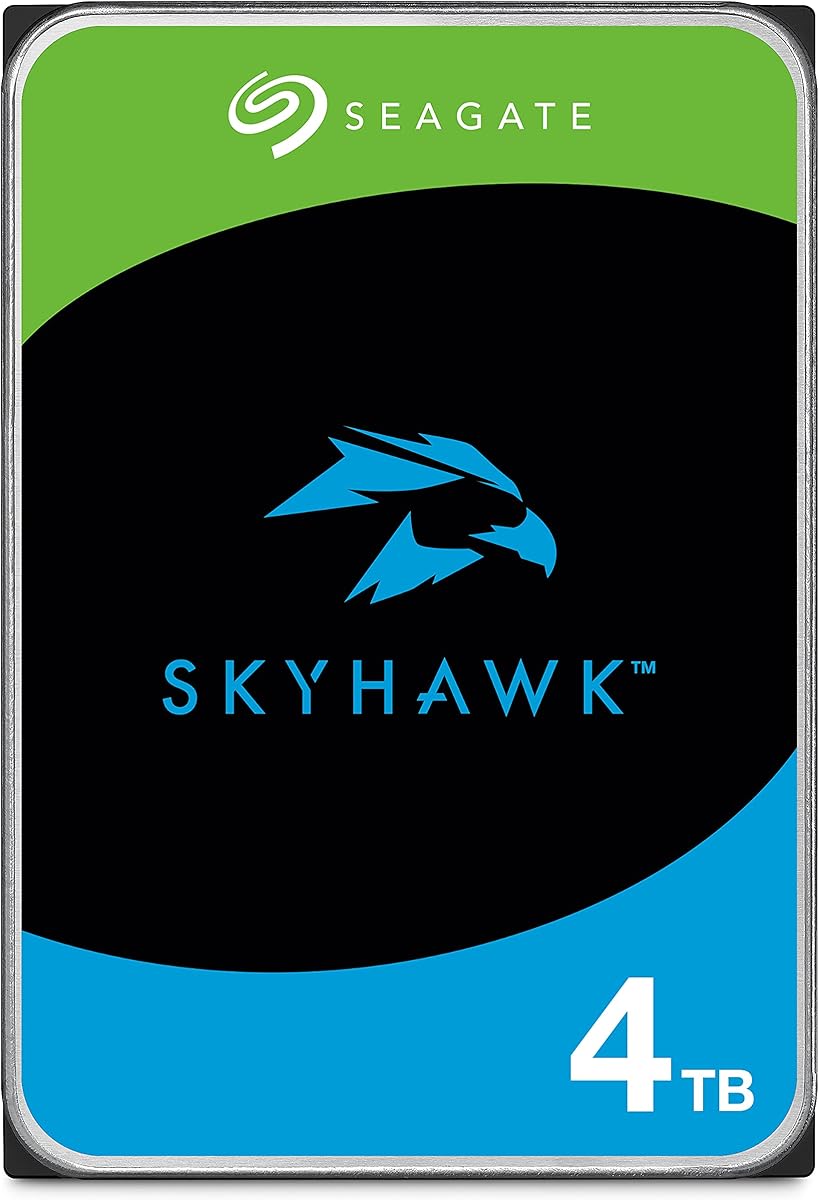
Skyhawk drives are optimized for video storage handling continuous streams. The RV sensors maintain performance in multi-bay systems ensuring reliability across drives.
We may earn a commission when you buy through this link, at no additional cost to you.
Lower power consumption reduces heat making it suitable for energy-efficient setups. It supports high write workloads which helps when storing live media streams.
While designed for surveillance it performs well for media storage. The balance of cost and performance makes it a versatile option.
Buy this if you want a durable drive for continuous media recording. It is a solid choice for hybrid server use.
Built to handle continuous video writing without performance degradation.
Maintains stability in multi-drive systems by compensating for vibration.
We may earn a commission when you buy through this link, at no additional cost to you.
Purple drives are engineered for continuous write workloads typical in media streaming. AllFrame AI helps reduce errors during heavy recording or streaming tasks.
We may earn a commission when you buy through this link, at no additional cost to you.
The high cache improves data buffering speeds for smooth playback. It supports multi-bay setups allowing you to expand your storage easily.
The surveillance tuning makes it reliable for constant operation but may cost more. It is a strong choice for heavy stream usage.
Choose this for reliable continuous streaming with high cache benefits. It handles intensive workloads better than desktop drives.
Optimized for continuous data writing to prevent frame drops or errors.
Uses AI to reduce corruption and improve reliability during recording.
We may earn a commission when you buy through this link, at no additional cost to you.
This version offers reliable performance for video streams with Image Perfect firmware. It handles 180TB/year workload which is great for high-volume storage.
We may earn a commission when you buy through this link, at no additional cost to you.
RV sensors ensure smooth operation in multi-drive enclosures reducing noise. It delivers solid reliability for constant read operations needed by Jellyfin.
It is more affordable than some NAS drives while still providing durability. The warranty and rescue services add long-term security.
Buy this for a cost-effective reliable media storage drive. It is ideal for users needing high endurance at a lower price.
Ensures clear video playback by optimizing write processes for continuous data.
Supports heavy data usage without failure ensuring steady performance.
We may earn a commission when you buy through this link, at no additional cost to you.
This IronWolf offers a balanced mix of capacity and reliability for servers. The large cache aids in quick metadata processing which benefits Jellyfin indexing.
We may earn a commission when you buy through this link, at no additional cost to you.
It is built for 24×7 operation ensuring it handles constant media access. The energy efficient design keeps power costs low for always-on servers.
The 5400 RPM prioritizes reliability over raw speed which is good for storage. It fits well into RAID configurations for data protection.
Choose this for a stable high-capacity storage server. It is reliable for media libraries needing consistent uptime.
Provides ample space for large media libraries without multiple drives.
Improves performance for data caching and quick file access.
We may earn a commission when you buy through this link, at no additional cost to you.
Choosing the right drive involves balancing capacity endurance and performance needs for your specific server setup.
Assess your current media library size and future growth plans. Jellyfin users often need terabytes to store high-resolution video files.
Pick a drive with at least double your current needs to allow for expansion and backups.
Endurance rating indicates how long a drive can operate continuously without failure. Servers run 24×7 so higher endurance is essential.
Look for NAS or surveillance drives that support high workload rates.
Conventional Magnetic Recording (CMR) writes data in a traditional way ensuring consistent speeds. Shingled Magnetic Recording (SMR) may slow down during large writes.
Always choose CMR drives for Jellyfin to avoid playback lag.
Cache acts as a buffer for data helping quick access to files. Larger cache sizes improve performance for multiple streams.
Select drives with higher cache memory for better throughput.
RPM affects data transfer speed with higher values generally faster. However higher RPM also increases power consumption and noise.
Balance speed with heat output based on your server environment.
Workload rating defines the annual data transfer capacity in terabytes. Higher ratings suit continuous use like streaming.
Choose a drive with a workload rate matching your usage intensity.
Warranty length indicates manufacturer confidence in the product. Long warranties protect your investment against premature failure.
Opt for drives with at least a three-year warranty.
Always-on servers need energy-efficient drives to reduce costs and heat. Look for lower wattage models for 24×7 operation.
Consider drives with power-saving features for efficiency.
Install the drive securely in your server enclosure to prevent vibration and ensure good airflow. Proper mounting reduces noise and protects the drive from damage.
Format the drive using a file system compatible with your operating system such as ZFS or ext4. Ensure you partition the space correctly to allocate storage efficiently.
Monitor drive health regularly using built-in tools or third-party software. Check for bad sectors or errors to catch issues early before data loss.
Yes SMR drives can slow down during heavy write operations causing playback buffering. CMR drives are recommended for Jellyfin to ensure consistent performance.
4K files are large so expect 20 to 40GB per movie. For a large library you will need multiple drives totaling 10TB or more.
Yes but external USB drives may be slower and less reliable than internal SATA drives. Use external drives only for backups or secondary storage.
NAS drives like WD Red Plus or Seagate IronWolf are optimized for multi-user access. They handle simultaneous requests without slowdowns.
RAID adds data protection by mirroring drives but costs more. For home use a single high-capacity drive is often sufficient.
Quality NAS or surveillance drives can last five years or more with proper ventilation. Monitoring health helps extend their operational life.
Yes larger caches improve read speeds and reduce load on the CPU. This is beneficial for streaming high-bitrate media smoothly.
ZFS or Btrfs are recommended for their data integrity features. Standard ext4 or NTFS work well for simpler setups.
The top picks for Jellyfin include WD Red Plus for NAS reliability and Seagate BarraCuda for budget value. Each drive offers distinct strengths for different server configurations.
Prioritize endurance and CMR technology over raw speed for consistent streaming. Your drive should handle continuous access without overheating or lagging.
Prices and availability change often so review current deals before buying. Verify capacity and warranty details to ensure the best fit.