Compare the top HDMI Edid Emulator Passthroughs for stable video signal, resolution support, and compatibility across Mac, KVM, and AV systems in 2026.
As an Amazon Associate we earn from qualifying purchases. We may earn a commission when you buy through links on this page, at no additional cost to you. Read our affiliate disclosure.As an Amazon Associate we earn from qualifying purchases.Purchases through our links may earn us a commission, at no extra cost to you. Read our affiliate disclosure.
Finding reliable HDMI Edid Emulator Passthroughs ensures your displays stay recognized even when disconnected. These tools prevent desktop rearrangement and signal loss in multi-monitor setups.
We compared ten models based on resolution support, compatibility with Mac and KVM switches, and build quality. Each option was evaluated for plug-and-play ease and signal stability during power cycles.
This guide highlights the top picks for budget, performance, and premium needs. Prices fluctuate, so check current listings before purchasing to ensure you get the best value for your setup.
Top 3 Picks for Best HDMI Edid Emulator Passthroughs
Best Budget
EVanlak Hdmi Edid Emulator Passthrough 3rd Generrtion Premium Aluminum Eliminated Emulator Adapter Work with Mac Thunderbolt to HDMI Switches/Extender/AV Receiver/Video Splitters 1080-3840×2160@60H
HDMI 2.1 4K EDID Emulator PRO (Model: 4K-EW2), Support SCDC and Exact EDID Copy and Emulation, HDCP Pass-Through (not Bypass or Remove), 14 Pre-Set EDID Values with 2.1 Channel Audio
Top 10 Best HDMI Edid Emulator Passthroughs in 2026 Compared
Explore the side-by-side comparison of all ten HDMI Edid Emulator Passthroughs. This table helps you quickly identify key specs like resolution support, build type, and compatibility features.
ProductsSpecificationsEditor scorePrice
1
Best Budget
EVanlak Hdmi Edid Emulator Passthrough 3rd Generrtion Premium Aluminum Eliminated Emulator Adapter Work with Mac Thunderbolt to HDMI Switches/Extender/AV Receiver/Video Splitters 1080-3840×2160@60H
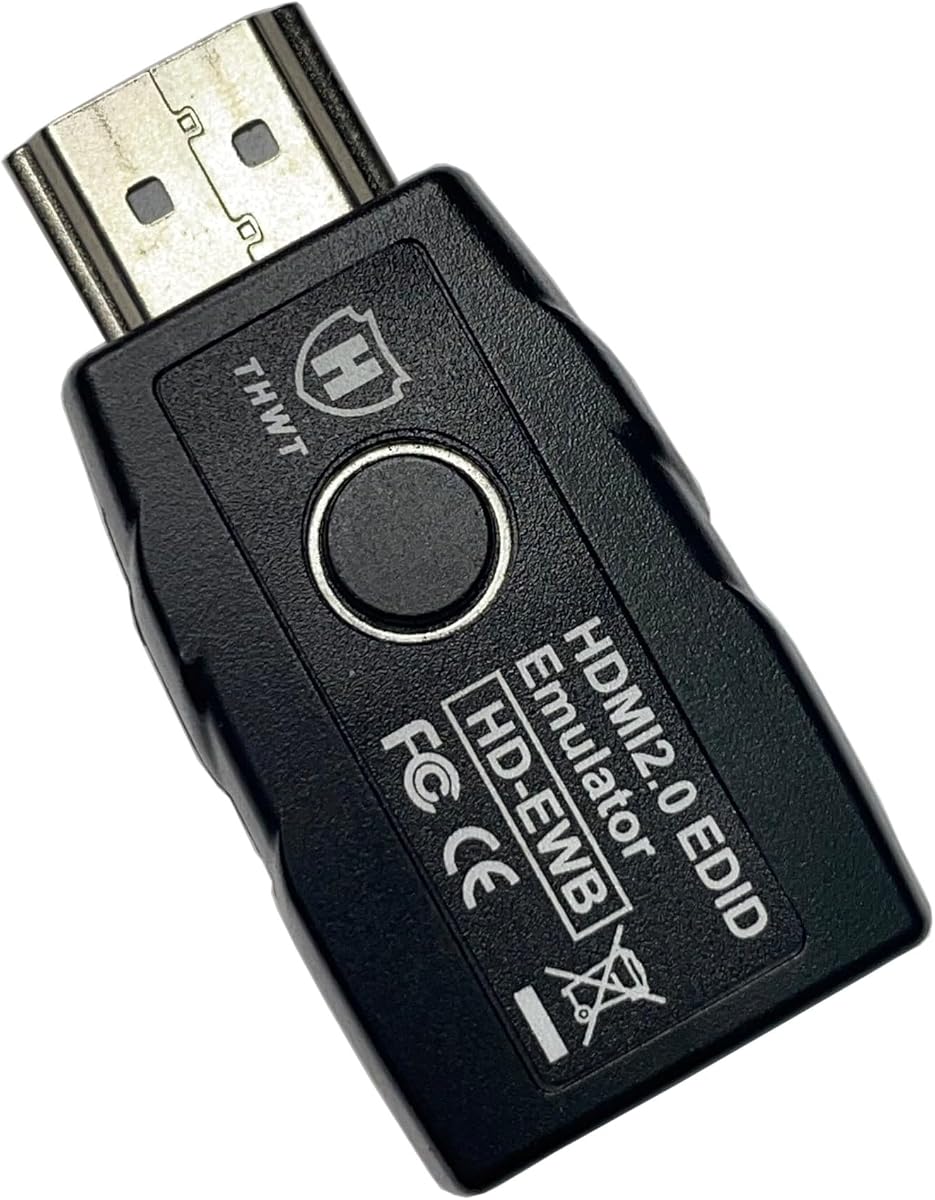
HDMI 2.0 4K EDID Emulator (Model: HD-EWB), Support Exact EDID Copy and Emulation, HDCP Passthrough (not Bypass or Remove), PreSET EDID is 1080p@60Hz 4:4:4 and 4K@60Hz 4:2:0 with 2.1CH Audio
HDMI 2.1 4K EDID Emulator PRO (Model: 4K-EW2), Support SCDC and Exact EDID Copy and Emulation, HDCP Pass-Through (not Bypass or Remove), 14 Pre-Set EDID Values with 2.1 Channel Audio
EVanlak Hdmi Edid Emulator Passthrough 3rd Generrtion Premium Aluminum Eliminated Emulator Adapter Work with Mac Thunderbolt to HDMI Switches/Extender/AV Receiver/Video Splitters 1080-3840×2160@60H
4K@60Hz support
Premium aluminum build
Mac Thunderbolt compatible
Plug-and-play setup
This EVanlak adapter offers a solid entry into HDMI Edid emulation. With 4K@60Hz support and premium aluminum build, it is great for home and office setups.
Pros
Durable aluminum case
Easy setup
4K@60Hz support
Mac compatible
Good value
Cons
Limited color depth
No advanced settings
We may earn a commission when you buy through this link, at no additional cost to you.
It works seamlessly with Mac Thunderbolt devices and avoids manual EDID changes. The plug-and-play design ensures quick connectivity without extra drivers or power supplies.
While it lacks advanced settings, it delivers reliable performance. The aluminum case keeps it cool and durable during extended use, making it a great budget pick.
Buy this if you need a dependable, affordable solution for keeping your Mac or PC display active. It handles common resolutions well without complications.
Premium Aluminum Build
The aluminum case enhances durability and heat dissipation, ensuring stable performance over long periods of continuous use.
Mac Compatibility
It integrates smoothly with Mac Thunderbolt to HDMI adapters, maintaining correct resolution settings without user intervention.
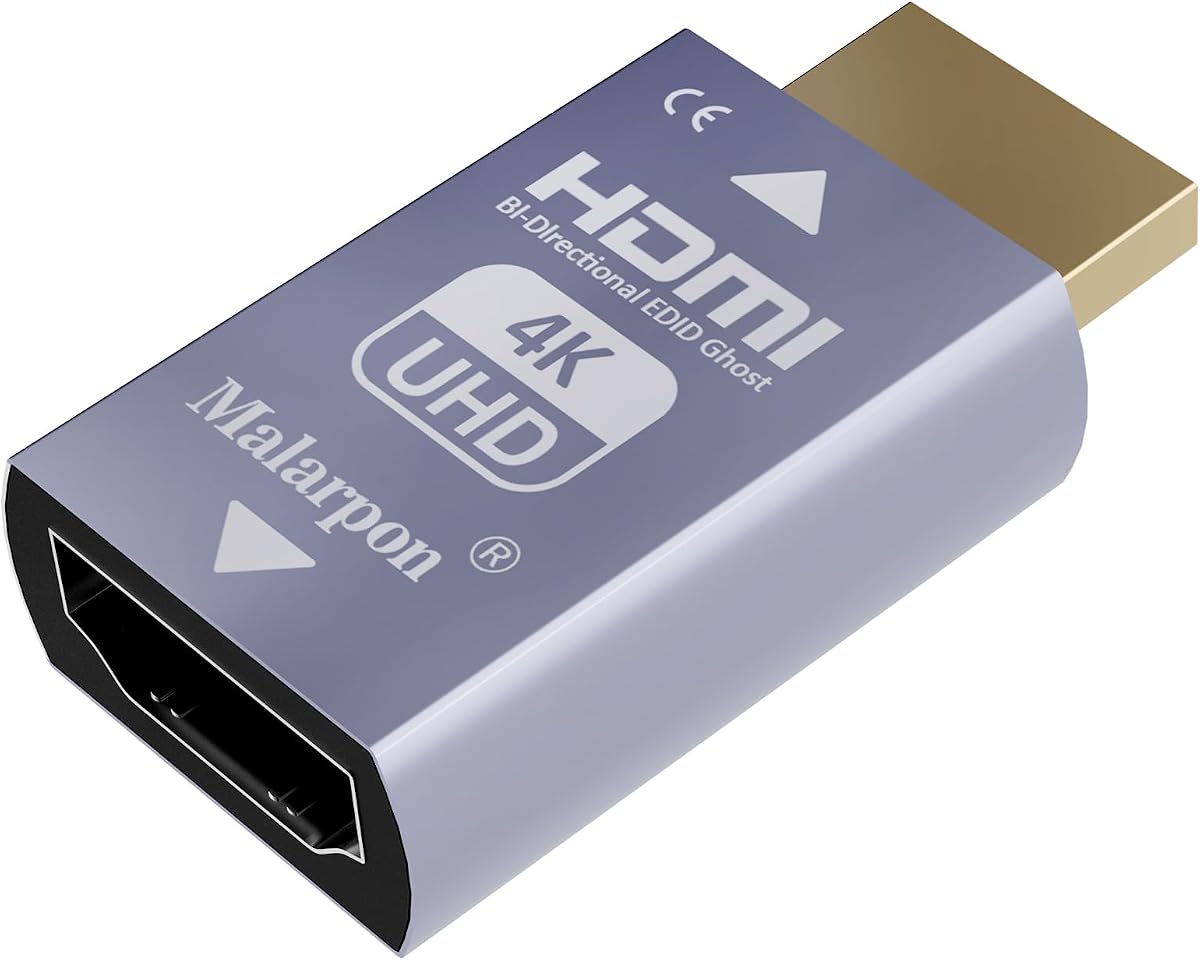
This adapter provides bidirectional signal transmission, making it versatile for different connection scenarios. It ensures fixed EDID settings remain active during power cycles or reconnections.
Pros
Bidirectional signal
Low power
Hot swap support
Simple setup
Cost-effective
Cons
No HDCP support
Basic design
We may earn a commission when you buy through this link, at no additional cost to you.
It supports hot swapping and works without external power. The setup is straightforward, just plug it into your KVM inline with your computer's HDMI port.
Note that HDCP is not supported, which may limit compatibility with some streaming devices. Still, it handles standard 4K and 1080p resolutions efficiently.
Choose this if you need a basic emulator that keeps your desktop layout stable. It is a practical tool for simple multi-screen arrangements.
Bidirectional Signal
The bidirectional design allows signal source to be male or female, increasing flexibility across different HDMI setups.
Fixed EDID
It maintains current settings when the display is removed, preventing desktop rearrangement and ensuring consistent output.
This emulator supports HDR 4K and high refresh rates up to 120Hz, making it suitable for gaming or media playback. It maintains consistent EDID across power cycles.
Pros
HDR support
High refresh rate
Bidirectional design
KVM ready
Easy setup
Cons
Basic design
No HDCP details
We may earn a commission when you buy through this link, at no additional cost to you.
It features bidirectional signal transmission and works well with Mac mini, Raspberry Pi, and NUC devices. Hot swapping is supported without external power requirements.
Build quality is functional but basic. It ensures stable connections for various HDMI switches and splitters without introducing signal lag or loss.
Buy this if you need HDR support and high refresh rate stability. It is a solid choice for office wiring and AV applications.
HDR and High Refresh
Support for 4K@60Hz and 1080p@120Hz enables smoother visuals for gaming or video content.
KVM Ready
It connects easily with KVM switches, ensuring display parameters stay set when switching sources.
HDMI EDID Emulator, Passthrough Display Adapter, Default Resolution Dummy Plug, Headless Ghost for HDMI Switches, Extenders, AV Receivers, Video Splitters (8K30Hz-4K120Hz)
8K30Hz support
4K120Hz output
Stable signal
Plug-and-play
This HDMI EDID Emulator stands out with 8K30Hz and 4K120Hz support, ensuring high fidelity for advanced AV setups. It prevents signal loss when displays are off or disconnected.
Pros
8K support
Stable signal
Wide compatibility
Easy setup
High resolution
Cons
Limited details
Higher cost
We may earn a commission when you buy through this link, at no additional cost to you.
It works with home theater systems, AV receivers, and splitters. The plug-and-play design simplifies installation without requiring additional drivers or software.
Build quality and resolution support are top-notch. It ensures every device recognizes the correct EDID, avoiding image errors or connection failures in complex systems.
Choose this for commercial displays or control rooms. Its stability and high resolution support make it ideal for mission-critical visual setups.
8K and 4K Support
It handles 8K30Hz and 4K120Hz, delivering crisp visuals for high-end displays and media setups.
Wide Application
Ideal for conference rooms, digital signage, and home theater systems with multiple connected devices.
HDMI 2.0 4K EDID Emulator (Model: HD-EWB), Support Exact EDID Copy and Emulation, HDCP Passthrough (not Bypass or Remove), PreSET EDID is 1080p@60Hz 4:4:4 and 4K@60Hz 4:2:0 with 2.1CH Audio
HDMI 2.0
EDID copy mode
HDCP passthrough
4:4:4 support
This HD-EWB model supports HDMI 2.0 and allows exact EDID copying, useful for preserving display settings. It handles HDCP passthrough without bypassing security.
Pros
EDID copy mode
HDCP passthrough
4:4:4 color
Bi-directional
Headless operation
Cons
Not HDMI 2.1
Setup complexity
We may earn a commission when you buy through this link, at no additional cost to you.
You can switch between internal and external EDID modes with a single button. It supports up to 4K@60Hz with 4:4:4 color depth.
Note that HDMI 2.1 devices may have SCDC handshake issues. Cable quality and older screens can affect EDID copy success.
Buy this if you need flexible EDID management and HDCP support. It suits home theater and AV setups requiring signal compliance.
Exact EDID Copy
It lets you copy external monitor settings, ensuring accurate signal replication across splitters and switches.
HDCP Passthrough
Compatible with HDCP 1.4 and 2.2, maintaining secure content playback without breaking DRM protections.
This adapter delivers 4K@60Hz with HDCP passthrough, ideal for protected content playback. Its zero-latency design ensures lossless signal transmission across devices.
Pros
4K@60Hz
HDCP pass
Zero-latency
Bidirectional
KVM support
Cons
Limited specs
Basic features
We may earn a commission when you buy through this link, at no additional cost to you.
It works with KVM switches, Mac mini, and Raspberry Pi. The bidirectional design offers flexibility in connection orientation without reconfiguring settings.
Build quality is solid and compact. It supports hot swapping and keeps EDID locked during power cycles, maintaining your desktop layout consistently.
Buy this for reliable signal transmission with HDCP compliance. It fits well into office or home AV setups needing stability.
Zero-Latency Signal
Pure hardware design ensures lossless transmission without processing delays, maintaining original video and audio fidelity.
Bidirectional Design
It automatically detects input and output links, allowing connection in either direction for added convenience.
HDMI 2.1 4K EDID Emulator PRO (Model: 4K-EW2), Support SCDC and Exact EDID Copy and Emulation, HDCP Pass-Through (not Bypass or Remove), 14 Pre-Set EDID Values with 2.1 Channel Audio
HDMI 2.1
SCDC support
14 EDID presets
HDCP 2.3
This PRO model supports HDMI 2.1 and SCDC handshaking, delivering 4K@120Hz stability. It includes 14 built-in EDID settings for quick simulation of desired outputs.
Pros
HDMI 2.1
SCDC support
14 EDID presets
HDCP 2.3
Hot-plug ready
Cons
Higher price
No 8K
We may earn a commission when you buy through this link, at no additional cost to you.
You can copy external monitor EDID using a knob interface. It allows for precise matching and is compatible with HDCP 2.2 and 2.3.
While it does not support 8K, its focus on 4K and SCDC compliance is ideal for next-gen consoles and PCs. The hot-plug design ensures flexibility.
Buy this if you need advanced features and future-proof compatibility. It fits well in high-performance home theater setups.
HDMI 2.1 and SCDC
Supports SCDC handshaking for stable 4K@120Hz output, ensuring compatibility with modern sources and displays.
14 EDID Presets
The knob allows quick switching between 14 settings, simplifying simulation of different display configurations.
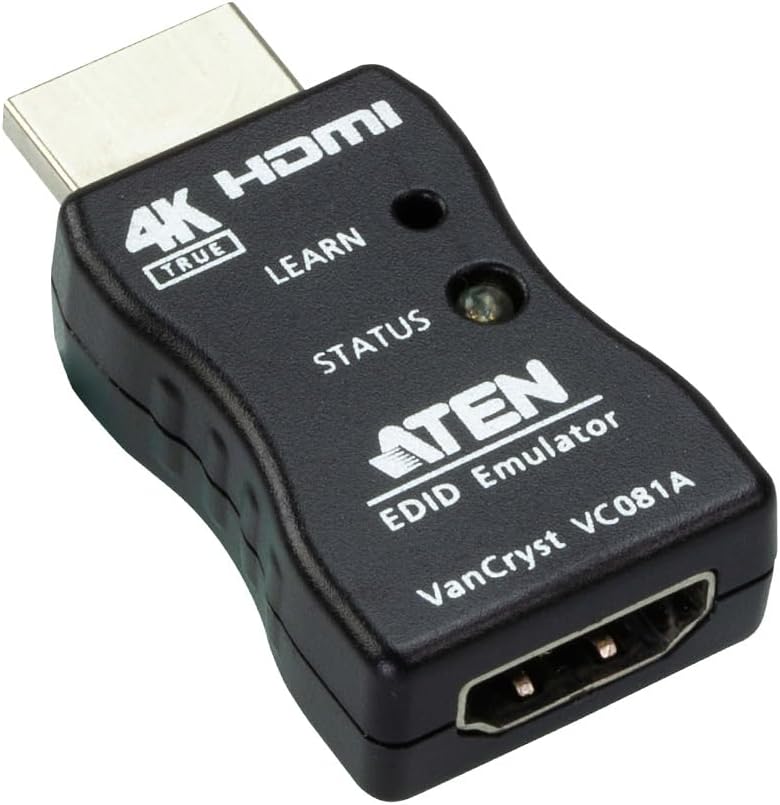
ATEN VC081A True 4K HDMI EDID Emulator Adapter VC081A up to 3840 x 2160 @ 60Hz (4:4:4)
ATEN VC081A
3840 x 2160
4:4:4 support
Compact design
The ATEN VC081A manages EDID communication effectively with a single pushbutton to save display data. It delivers True 4K quality with 4:4:4 color precision.
Pros
ATEN brand
4:4:4 color
Compact design
HDCP 2.2
CEC support
Cons
Low rating
Basic features
We may earn a commission when you buy through this link, at no additional cost to you.
It complies with HDMI 3D, Deep Color, and HDCP 2.2. The lightweight design makes it easy to integrate into any HDMI setup.
While it has a lower rating, its brand reputation and features are solid for basic emulation. It supports CEC pass-through for seamless device control.
Buy this if you prefer a trusted brand and compact solution. It handles standard 4K setups efficiently without extra bulk.
True 4K Quality
Supports up to 3840 x 2160 @ 60Hz with 4:4:4 color sampling for superior video fidelity.
CEC Support
CEC pass-through allows compatible devices to control each other seamlessly without additional wiring.
We may earn a commission when you buy through this link, at no additional cost to you.
Buying Guide – How to Choose the Best HDMI Edid Emulator Passthroughs
Selecting the right HDMI Edid Emulator Passthrough involves considering resolution, compatibility, and build quality. Here are the key factors to evaluate for your setup.
Resolution Support
Ensure the emulator supports your display's maximum resolution and refresh rate. Options range from 1080p to 4K and even 8K for advanced setups.
Choose a model matching your source and display capabilities to avoid signal loss or downscaling issues.
HDCP Compatibility
HDCP passthrough is essential for protected content playback. Emulators should support standards like HDCP 1.4 and 2.2 without bypassing encryption.
Look for explicit HDCP passthrough features to ensure compatibility with streaming devices and consoles.
Build Quality
Aluminum or durable casings help dissipate heat during extended use. Check for robust connectors that withstand frequent plugging and unplugging.
Prioritize models with reliable construction to maintain signal integrity over time.
Plug-and-Play Setup
The best emulators require no drivers or software. They should work instantly when connected between the source and display.
Simplify installation by choosing devices with straightforward, plug-and-play interfaces.
Bidirectional Signal
Bidirectional transmission offers flexibility for different connection scenarios. This ensures the emulator works regardless of input or output direction.
Opt for bidirectional models to adapt easily to varied HDMI setups.
Hot Swap Support
Hot swap capability allows changes without restarting devices. This keeps systems stable during reconnections or KVM switching.
Select emulators with hot swap support for uninterrupted workflow in multi-device environments.
Price and Value
Compare features against price to find the best value. Basic models suit simple needs, while premium ones offer advanced EDID management.
Balance your budget with required features to get the most useful solution.
Brand Reputation
Trusted brands often provide better reliability and technical support. Reviews can highlight real-world performance and potential issues.
Research brand history to ensure confidence in the emulator's longevity and support.
How to Use and Care for Your HDMI Edid Emulator Passthroughs
Connect the emulator between your HDMI source and display device. Ensure both ports are secure to maintain stable signal transmission.
For best results, plug and play without needing drivers. Allow your system to recognize the emulator before launching content.
Keep the adapter in a well-ventilated area to prevent overheating. Regularly check connections for wear or looseness to maintain performance.
Frequently Asked Questions
What is an HDMI Edid Emulator Passthrough?
It is an adapter that mimics a display's EDID data. This ensures your source device continues outputting signals even if the monitor is off or disconnected.
Do these emulators require external power?
Most are powered by the HDMI source device itself. External power is typically not needed unless specified for higher bandwidth setups.
Can they support 4K resolutions?
Yes, many models support up to 4K@60Hz. Higher-end options may even handle 4K@120Hz or 8K depending on HDMI version compliance.
Are they compatible with Mac devices?
Many are designed to work with Mac Thunderbolt to HDMI adapters. Compatibility ensures stable signal handshaking without desktop rearrangement.
Do emulators affect video quality?
Quality depends on the emulator's chipset and design. High-quality models maintain lossless transmission without introducing lag or distortion.
Can they be used with KVM switches?
Yes, emulators are ideal for KVM setups. They keep EDID active so your system doesn't reset display settings when switching sources.
Final Thoughts on Choosing the Best HDMI Edid Emulator Passthroughs
Our top picks include the EVanlak for budget, the HDMI EDID Emulator for premium, and the HDMI 2.1 PRO model for advanced features.
Prioritize resolution support, HDCP compatibility, and plug-and-play ease. These factors ensure your setup remains stable across power cycles and switches.
Always check current prices and availability before purchasing. A reliable emulator can save significant setup headaches in multi-monitor environments.