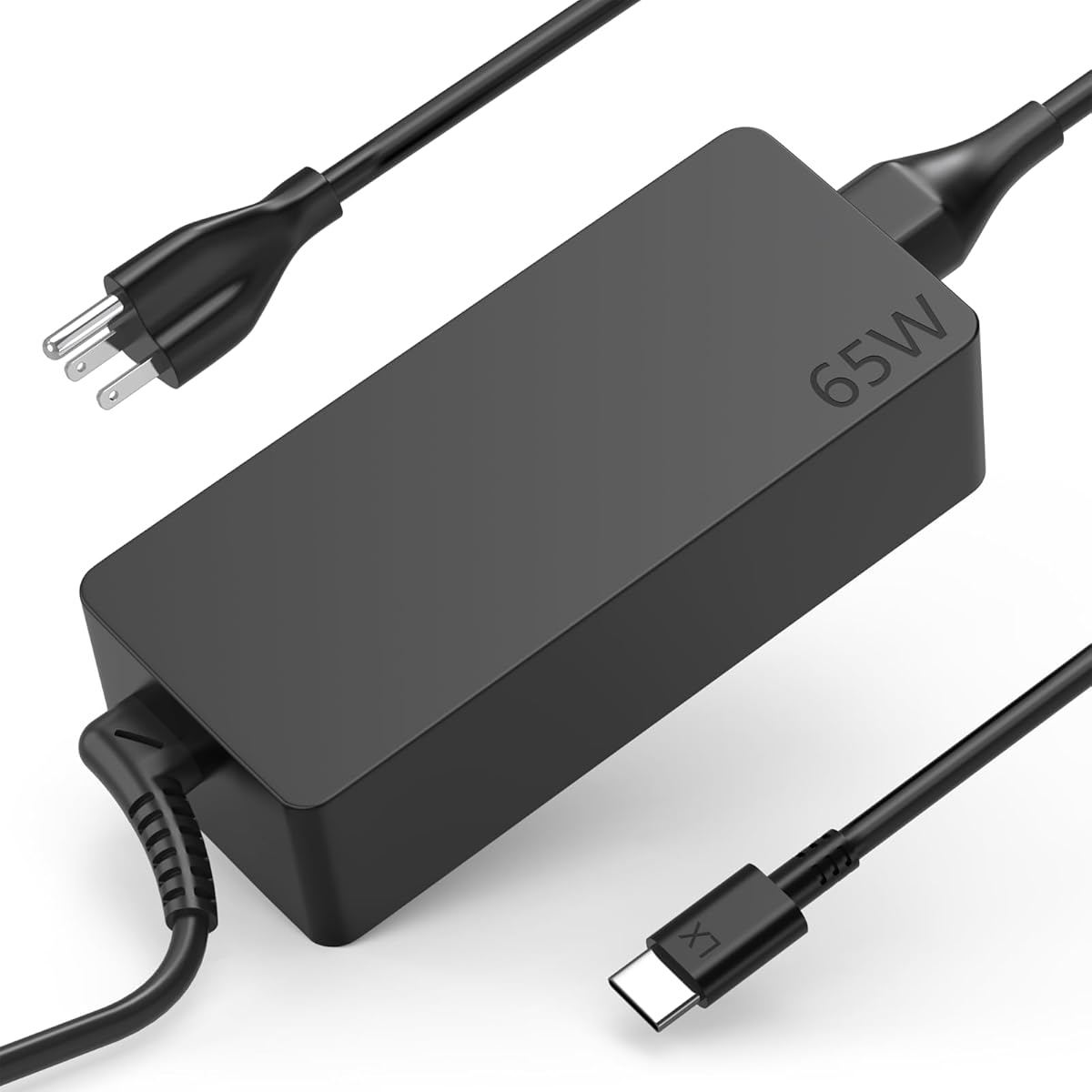
DECSZDY Replacement for 65W Lenovo Laptop Charger
4.3Editor score
Affordable pricing option
Universal USB-C compatibility
Includes AC power cord
This guide compares the top Lenovo Thinkpad Charger models to help you find the right power adapter for your laptop with reliable charging performance.
Finding a reliable power source is crucial for keeping your ThinkPad running smoothly during long workdays. A quality charger ensures consistent power delivery and protects your device from electrical issues while you work remotely.
We evaluated ten leading Lenovo Thinkpad Charger options based on compatibility, build quality, safety features, and charging speed. Our analysis covers official OEM adapters and trusted third-party alternatives for various ThinkPad generations.
Each product entry details specific model compatibility and key technical specifications to help you make an informed decision. Please note that availability and pricing may vary over time so always check current listings before purchasing.
4.3Editor score

4.2Editor score

4.6Editor score
The following table provides a side-by-side comparison of all ten Lenovo Thinkpad Charger options reviewed in this guide to help you quickly identify the best match for your needs.
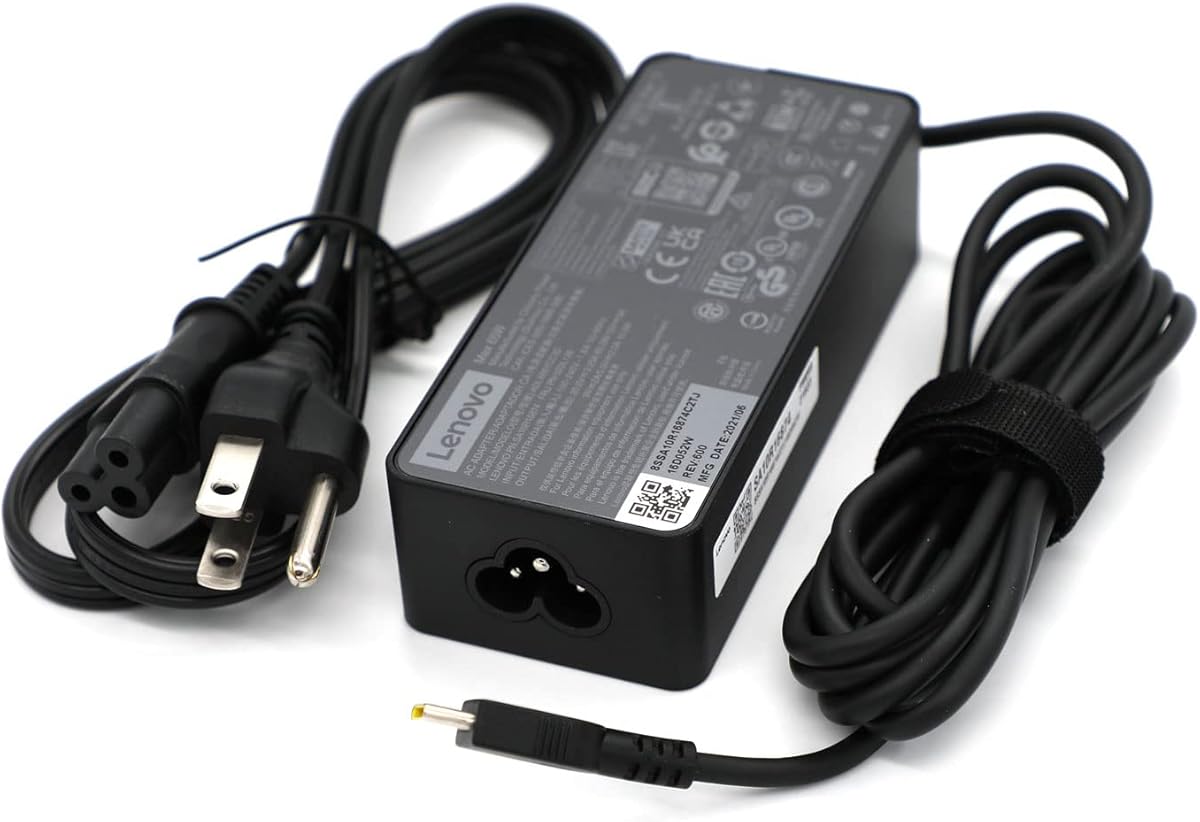


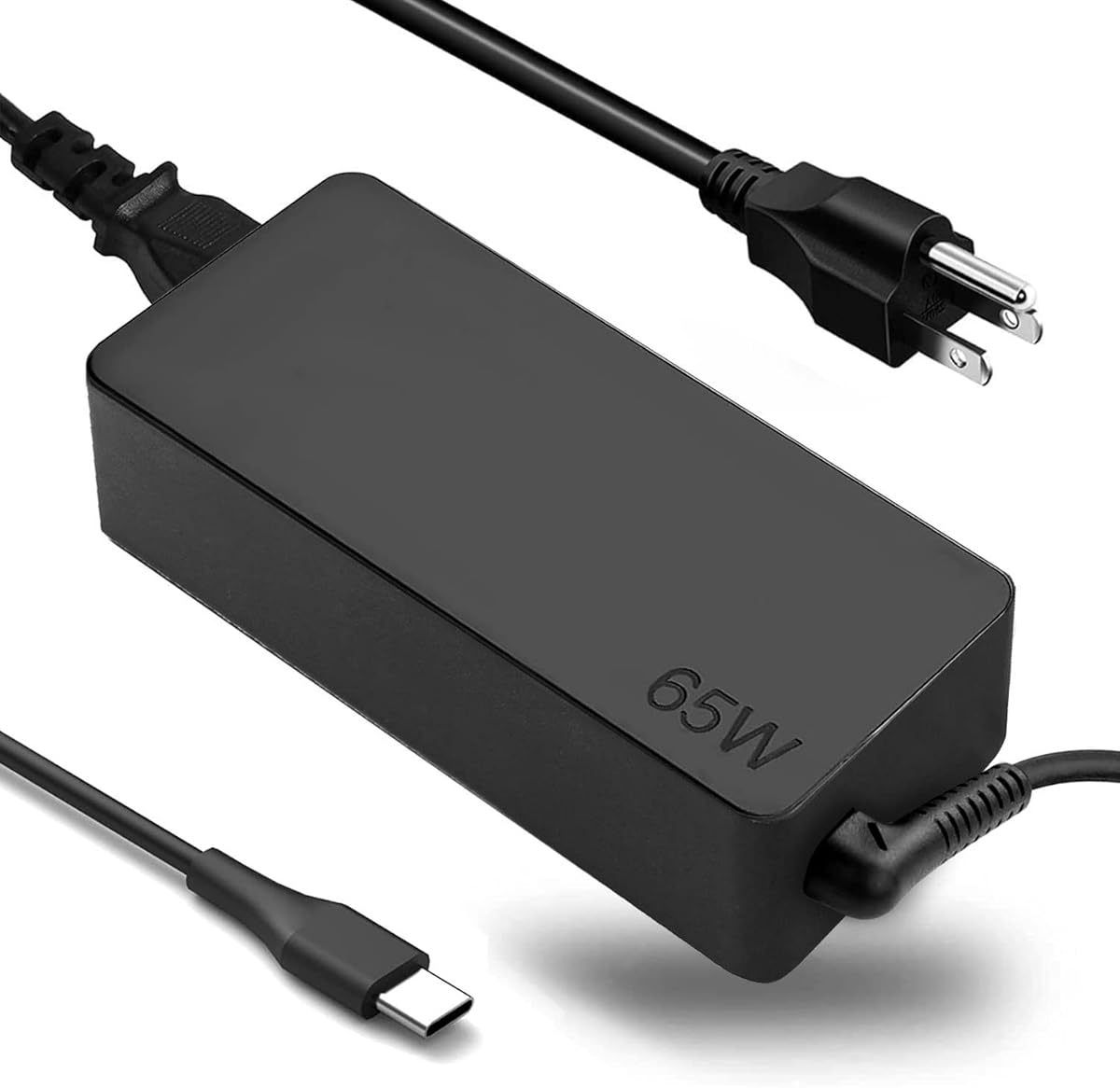


This adapter offers reliable power for a wide range of ThinkPad models including the T14 and X1 Carbon series. It delivers a steady 65W output through USB-C ensuring your laptop charges efficiently during work sessions.
We may earn a commission when you buy through this link, at no additional cost to you.
The charger supports multiple voltage levels from 5V up to 20V which allows it to adapt to different device needs. Its compact form factor makes it easy to pack in a bag for daily commutes or business trips.
While the rating is slightly lower than official Lenovo adapters users report consistent performance for most daily tasks. The main trade-off is less rigorous quality control compared to factory units which may affect long-term durability.
This option is ideal for budget conscious users who need a reliable replacement for older ThinkPad models. It provides sufficient power for standard productivity tasks without breaking the bank or sacrificing portability.
Works with ThinkPad T14 T15 E14 E15 X1 Carbon X13 and many Yoga models for versatile use.
Delivers 65W through USB-C to charge devices quickly and maintain performance during heavy use.
We may earn a commission when you buy through this link, at no additional cost to you.
This charger stands out with a high user rating and advanced safety features like over-current and over-voltage protection. It uses Power Delivery 3.0 technology to ensure fast charging speeds for compatible devices.
We may earn a commission when you buy through this link, at no additional cost to you.
The reinforced connector joint is tested to withstand thousands of bends which addresses a common point of failure in many adapters. This design choice significantly improves longevity for daily commuters who pack their gear frequently.
Users appreciate the broad compatibility across ThinkPad and Chromebook models. While it is a third-party option the safety mechanisms provide peace of mind that rivals official chargers in terms of device protection.
Choose this charger if you want reliable performance at a lower cost without sacrificing safety features. It is particularly well suited for students or professionals who need a durable backup charger for multiple devices.
Includes intelligent circuit chip to monitor temperature and current preventing overheating and electrical issues.
Reinforced joint resists wear and tear ensuring consistent connection over extended periods of use.
We may earn a commission when you buy through this link, at no additional cost to you.
This official Lenovo adapter combines a slim form factor with an extra long cable for unmatched versatility in various settings. It supports PD 3.0 to deliver rapid charging for laptops and other USB-C devices alike.
We may earn a commission when you buy through this link, at no additional cost to you.
The 1.7 meter cable is longer than most standard adapters allowing you to reach wall outlets from a distance. This feature is particularly valuable when working from home or in hotel rooms where outlets are far from desks.
As an OEM product it offers guaranteed compatibility with Lenovo devices ensuring stable voltage and current delivery. The build quality reflects Lenovo standards with premium materials that feel durable and reliable in hand.
Invest in this charger if you prioritize official quality and need extra reach for your workspace. It serves as a premium solution for travelers who want a lightweight yet powerful adapter with a trusted brand name.
The 5.9 foot cable allows flexibility in placement without needing extension cords in tight spaces.
Works with laptops tablets and mobile devices making it a versatile power solution for multiple gadgets.
We may earn a commission when you buy through this link, at no additional cost to you.
This adapter provides a direct OEM replacement for Lenovo ThinkPad users seeking guaranteed compatibility and performance. It delivers a constant 65W output that ensures smooth functioning and stable charging for supported devices.
We may earn a commission when you buy through this link, at no additional cost to you.
The slim design makes it ideal for professionals who need to carry their charger in a laptop sleeve or backpack. It operates on 120V AC input which suits standard household outlets without requiring additional voltage converters.
Users report steady performance without the voltage fluctuations that can sometimes occur with third-party units. While it lacks some advanced marketing features it fulfills the core function of powering ThinkPad laptops reliably.
Choose this adapter if you want a straightforward reliable solution without extra bells or whistles. It is the safest bet for maintaining warranty compliance and ensuring your system runs at optimal efficiency.
Delivers constant voltage to prevent interruptions and maintain stable charging during operation.
Designed to fit easily in carry-on luggage and laptop bags for daily portability and convenience.
We may earn a commission when you buy through this link, at no additional cost to you.
This charger covers a vast range of ThinkPad including models including the X1 X13 and Yoga series. It features built-in safeguards that monitor voltage and temperature to protect devices from potential electrical damage.
We may earn a commission when you buy through this link, at no additional cost to you.
The inclusion of an AC power cable and user manual makes it ready to use out of the box. Users appreciate the intelligent power delivery that adjusts output to match device needs between 45W and 65W.
Performance reports indicate consistent charging speeds for daily productivity tasks without significant heat buildup. The price point offers a balanced value compared to OEM chargers while maintaining essential safety protocols.
This adapter is an excellent choice for users managing multiple ThinkPad models or Yoga laptops. It provides reliable performance and comprehensive compatibility for teams or households with mixed device portfolios.
Automatically adjusts output between 45W and 65W to match the specific power needs of your device.
Includes AC power cable and user manual for immediate setup without needing additional accessories.
We may earn a commission when you buy through this link, at no additional cost to you.
This charger is designed as a replacement for specific Lenovo models like the ADLX65YDC2A ensuring direct compatibility. It supports both ThinkPad and Chromebook series providing a unified power solution for diverse devices.
We may earn a commission when you buy through this link, at no additional cost to you.
The adapter offers multiple voltage outputs including 5V 9V and 15V to accommodate various device requirements. This flexibility is useful when powering smaller gadgets alongside your main laptop in different environments.
Users find it to be a cost effective solution for those needing to replace lost or damaged chargers quickly. The build includes standard safety features expected in third-party adapters to protect connected hardware.
Opt for this charger if you use Chromebooks alongside ThinkPads and need one adapter for all. It offers practical performance at an accessible price point making it suitable for educational or light enterprise use.
Compatible with both ThinkPad laptops and Chromebook devices reducing the need for multiple chargers.
Supports multiple output voltages to ensure compatibility with a wider range of USB-C devices.
We may earn a commission when you buy through this link, at no additional cost to you.
This replacement adapter is tailored for users who prioritize portability and basic performance over advanced specs. It supports both 65W and 45W requirements making it versatile for different ThinkPad generations.
We may earn a commission when you buy through this link, at no additional cost to you.
The OS independent operation ensures it works regardless of your operating system or driver configuration. This universality makes it a safe choice for IT departments managing mixed device environments with minimal complexity.
Users report fast charging speeds that keep devices powered throughout the day without significant overheating. The included AC cord means you do not need to source a separate cable for immediate use.
Choose this charger if you travel frequently and need a compact reliable power source in your kit. It balances cost and convenience effectively for users who need a simple functional replacement.
Works seamlessly across Windows Linux and other systems without requiring specific software or drivers.
Delivers fast and efficient charging to minimize downtime during critical work sessions or travel.
We may earn a commission when you buy through this link, at no additional cost to you.
This adapter stands out by offering compatibility with multiple brands beyond Lenovo including HP and Dell models. It delivers 65W output suitable for a wide range of USB-C laptops from different manufacturers.
We may earn a commission when you buy through this link, at no additional cost to you.
Users appreciate the flexibility of using a single charger for different workstations or client devices. The 45W compatibility ensures it can safely power smaller laptops without overloading their power circuits.
Performance is generally reliable for standard office work though specific thermal performance may vary by device. The broad compatibility makes it a strong contender for mixed device environments in offices or classrooms.
Consider this charger if you work in a multi-brand environment and need a universal power solution. It provides solid performance and compatibility for those managing diverse laptop fleets effectively.
Designed to work with HP and Dell laptops providing a universal solution for mixed offices.
Supports both 65W and 45W to safely power larger and smaller USB-C devices without issues.
We may earn a commission when you buy through this link, at no additional cost to you.
This adapter is designed for power users who need maximum throughput for demanding workloads. With up to 135W output it ensures that high-performance ThinkPads run at full capacity without throttling.
We may earn a commission when you buy through this link, at no additional cost to you.
The constant voltage supply guarantees stable power delivery which is critical for rendering video or compiling code. Users of heavy duty machines report that this adapter keeps systems stable even under prolonged stress.
While larger and heavier than standard adapters the performance benefits are substantial for professionals in creative fields. The USB-C interface aligns with modern connectivity standards ensuring easy integration with new hardware.
Choose this charger if you own a high-performance ThinkPad and require reliable power for intensive tasks. It is a premium solution that supports professional workflows without compromising system performance.
Delivers up to 135W to support demanding workloads like video editing or complex data analysis.
Maintains constant voltage to prevent performance drops during sustained intensive computing sessions.
We may earn a commission when you buy through this link, at no additional cost to you.
This adapter is ideal for Lenovo gaming and performance laptops requiring maximum power output. It features a Slim Tip connector which is common on older high-performance models and many gaming devices.
We may earn a commission when you buy through this link, at no additional cost to you.
The 135W capacity ensures that graphics cards and processors receive sufficient energy for sustained performance. Users of Legion and IdeaPad Gaming models appreciate the reliability and consistent power delivery under load.
Built with quality materials this adapter offers longevity and safety for high-demand computing needs. The black finish maintains a professional look that blends well with most laptop aesthetics on desks.
Invest in this charger if you run gaming or workstation laptops that demand higher wattage than standard units. It provides the necessary power headroom to ensure stable performance during extended sessions.
Features a Slim Tip connector designed for legacy high-performance models and gaming laptops.
Delivers 135W to support intensive gaming sessions without throttling or performance drops.
We may earn a commission when you buy through this link, at no additional cost to you.
Choosing the right power adapter requires understanding several technical factors to ensure compatibility and safety for your specific device model.
The wattage of your charger must meet or exceed the power requirements of your ThinkPad to ensure stable performance. Using a charger with lower wattage may result in slower charging or insufficient power during demanding tasks.
Always check your laptop manual or existing charger label for the recommended wattage before purchasing a replacement to avoid potential power issues.
Modern ThinkPads typically use USB-C connectors but older models may require the traditional slim tip connection. Verify the connector type matches your laptop port exactly to prevent physical damage or connection issues.
USB-C offers more versatility allowing the same adapter to charge phones or tablets while the slim tip is specific to Lenovo models.
Original Equipment Manufacturer (OEM) adapters guarantee compatibility and build quality but often come at a higher price. Third-party options offer savings but require careful verification of safety certifications and model compatibility.
Consider your budget and device warranty status when deciding between OEM reliability and third-party affordability for your setup.
Look for adapters with built-in safety features such as over-voltage protection and temperature monitoring to protect your device. Certifications like UL or CE indicate that the adapter has passed independent safety testing standards.
Safety features are crucial for preventing electrical damage or overheating that could harm your laptop or battery over time.
Cable length impacts how comfortably you can use your laptop while charging at a desk or table. Longer cables offer more flexibility but may be bulkier to carry while shorter ones are ideal for travel.
Select a cable length that fits your typical workspace and carry needs to ensure consistent usability across different environments.
High quality materials and reinforced joints at connector points can significantly extend the lifespan of your charger. Cheap plastic housing or thin wires may lead to premature failure especially with frequent travel or heavy use.
Invest in adapters with robust build quality to ensure long term reliability and reduce the frequency of replacements needed.
The price of Lenovo Thinkpad chargers varies significantly between OEM and third-party options depending on features. Assess whether premium features like advanced safety or longer cables justify the extra cost for your specific usage.
Balance the initial cost against expected lifespan and warranty coverage to determine the true value of each charger option.
A good warranty provides peace of mind by covering defects or performance issues that arise within the period. Check the seller policy for return windows and warranty terms before finalizing your purchase decision.
Reliable customer support helps resolve compatibility issues quickly if you encounter problems with the adapter after purchase.
Always connect the charger directly to a wall outlet or surge protector rather than using extension cords to ensure proper voltage delivery. This simple step helps maintain stable power and reduces the risk of electrical faults during operation.
Inspect the charger cable and connector regularly for signs of wear or damage before plugging it into your laptop. Look for frayed wires or bent connectors that could affect performance or pose safety hazards during daily use.
Unplug the charger when not in use to save energy and prevent unnecessary heat buildup in the adapter unit. Proper storage in a cool dry place extends the lifespan of the adapter and keeps it ready for future use.
Yes a 65W charger is generally safe to use with a 45W ThinkPad because the device draws only the power it needs. The charger will not force extra power into the laptop ensuring safe operation. Always verify that the connector type matches your device before use.
Third-party chargers can be safe if they carry reputable safety certifications and match the required power specs. Look for products with positive user reviews and clear specifications regarding voltage and current output. Avoid unknown brands with no safety certifications.
Newer ThinkPads typically use USB-C connectors while older models require a round slim tip connection. Check the manual or the label on your existing charger for connector details before buying a replacement. Visual inspection of the port on your laptop also helps identify the type.
Slower charging may occur if the new charger has a lower wattage than the original. Some adapters have lower efficiency rates or may be damaged internally affecting power delivery. Always check the wattage and voltage ratings against your original charger.
USB-C chargers are versatile supporting multiple devices with one adapter and offer faster charging speeds. They also allow for reversible plug orientation making them easier to use in different environments. This modern standard ensures better compatibility with future devices.
No a higher wattage charger will not damage your laptop as the device regulates the power it draws. The charger simply provides the maximum available power while the laptop takes only what is needed. Ensure the voltage and connector match to maintain safety.
With proper care a quality charger should last several years without performance issues. Factors like frequency of use and storage conditions affect the lifespan significantly. Inspect cables regularly and avoid bending or twisting them excessively to maximize durability.
Most Lenovo chargers support universal voltage ranges allowing international use with a simple plug adapter. Check the input voltage rating on your charger to ensure it covers the destination country range. A plug adapter may be required to fit local wall outlets.
We reviewed ten top Lenovo Thinkpad Charger options offering a range of OEM reliability and third-party value for different budgets. Each adapter was evaluated on compatibility safety and performance to help you make an informed decision for your specific device.
Prioritize wattage and connector type compatibility when selecting a charger to ensure your ThinkPad performs at its best. Consider additional factors like cable length and durability based on your daily work habits and travel needs.
Remember to verify current availability and compatibility details before purchasing since models may vary over time. We hope this guide helps you find the perfect power solution to keep your ThinkPad running smoothly.