
Thermaltake Smart 500W
4.6Editor score
80 Plus White Certified
120mm Ultra Quiet Fan
Active PFC Technology
Compare the top 350W PSU options for efficiency and reliability. Our guide reviews ten power supplies to help you find the perfect fit for your build.
Choosing the right power supply unit is critical for system stability. A 350W PSU offers enough wattage for entry-level desktops. You need reliable components and safety features to protect your hardware from voltage spikes and overheating risks.
We evaluated ten power supplies based on efficiency ratings and connector options. Our team analyzed user feedback and technical specifications to rank these models. Each product brings unique benefits for different budget levels and form factors.
Each pick highlights specific strengths like quiet fans or modular cables. Prices change frequently so check the latest deals before buying. This list helps you balance performance with cost for your next computer upgrade project.
4.6Editor score

4.5Editor score

3.9Editor score
This side-by-side comparison highlights key specs across all ten units. We focus on wattage, efficiency, and physical dimensions to help you compare models quickly.



The Thermaltake Smart 500W offers a robust power solution for mid-range builds. With a 4.6 rating from users it proves reliable for daily tasks. Its continuous 500W output ensures stable voltage for your components.
We may earn a commission when you buy through this link, at no additional cost to you.
This unit features an 80 Plus White certification meaning it meets strict efficiency standards. The Active PFC technology helps maintain power quality while reducing energy waste. It supports two PCI-E connectors for graphics card upgrades.
While the cables are fixed the included protections like OVP and SCP keep your system safe. The fan operates quietly even under load. It fits standard ATX cases easily without space issues.
Ideal for budget gamers needing extra headroom beyond 350W. This PSU balances cost and performance well. Check current deals to get the best value for your desktop upgrade.
The 80 Plus White certification ensures at least 80 percent efficiency under typical loads. Active PFC helps maintain power factor near unity for better grid interaction.
Industry grade protections include Over Power and Over Voltage safeguards. Short Circuit Protection prevents damage during unexpected electrical faults.
We may earn a commission when you buy through this link, at no additional cost to you.
The Silverstone FX350-G-VT excels in small form factor builds. It delivers 350W continuously at 40C which is great for compact cases. Its 80 Plus Gold rating means lower energy bills and less heat.
We may earn a commission when you buy through this link, at no additional cost to you.
Designed for Flex ATX enclosures this unit saves valuable space. The class-leading single +12V rail ensures consistent power for modern GPUs. Active PFC helps stabilize input voltage across different regions.
Fixed cables might limit cable management but fit standard Flex setups well. It supports PCIe 6pin connectors for entry level cards. The 24/7 rating ensures durability for always-on systems.
Buy this if you need a reliable compact PSU for NAS or HTPC. Its efficiency and rail design make it a premium choice. Verify case compatibility before purchase.
This Flex ATX 1U power supply fits narrow chassis perfectly. It is ideal for home theater PCs or network attached storage units.
Gold certification reduces wasted energy as heat. This lowers cooling demands and extends component lifespan in enclosed spaces.
We may earn a commission when you buy through this link, at no additional cost to you.
The Apevia ITX-PFC400W offers modularity at a budget price. It fits Mini-ITX and FLEX ATX cases with its small dimensions. The fully modular design helps improve airflow and reduce clutter inside the case.
We may earn a commission when you buy through this link, at no additional cost to you.
Active PFC supports 90 to 264V for global use. The 8pin CPU connector can split into 4+4 for various motherboards. Safety features like OVP and SCP protect against electrical surges.
The 40mm fan may be noisy under heavy load. Efficiency is lower than Gold units but acceptable for low-power builds. Ensure all cables connect properly for power on.
Choose this for ITX builds needing flexible cabling. The split connectors add versatility for different boards. Check noise levels if you value silence.
Fully modular cables let you plug only what you need. This improves airflow and makes installation easier in tight spaces.
Split connectors adapt to 20pin or 4pin needs. This compatibility helps with older motherboards or specific designs.
We may earn a commission when you buy through this link, at no additional cost to you.
The APEVIA VENUS450W delivers stable power for standard ATX cases. It includes comprehensive connectors for SATA and peripheral devices. The auto-thermally controlled fan adjusts speed based on internal heat.
We may earn a commission when you buy through this link, at no additional cost to you.
Protections cover short circuit and over voltage scenarios. The 8pin CPU connector splits into 4+4 for flexibility. Voltage tolerance stays within 5 percent for safe operation.
Fixed cables may limit management in small cases. It lacks high efficiency certification but works for entry-level systems. Ensure all cables connect to power on.
Best for basic builds needing a simple reliable supply. The thermal control helps keep noise down. Verify case clearance for the 120mm fan.
The fan speeds up automatically as heat increases. This balances cooling with noise levels effectively.
Includes three SATA and peripheral connectors. Flexible CPU power options fit most motherboards.
We may earn a commission when you buy through this link, at no additional cost to you.
The ARESGAME AGV Series provides solid 500W output with Bronze certification. Its five-year warranty shows confidence in longevity. The all black cables look clean inside your case.
We may earn a commission when you buy through this link, at no additional cost to you.
Efficiency stays above 85 percent under typical loads. The 120mm fan runs quietly to maintain a calm environment. Protections include OVP and SCP for safety.
Non modular design means some cables might hang unused. It suits ATX cases with moderate cable management. Check connector types for your specific hardware.
Pick this for a cost effective PSU with backup. The warranty adds value beyond initial cost. Verify connector count before buying.
A five-year warranty offers peace of mind for long term use. It covers defects and ensures support availability.
All black cables blend well with modern cases. This reduces visual clutter for cleaner builds.
We may earn a commission when you buy through this link, at no additional cost to you.
This HG2 series unit serves industrial or specialized ATX needs. ROHS compliance means it meets environmental standards. It provides consistent 350W output for steady performance.
We may earn a commission when you buy through this link, at no additional cost to you.
Standard ATX dimensions allow easy case swaps. The series designation suggests batch reliability for replacements. Connectors match standard desktop power requirements.
Few public specs require checking exact compatibility. It fits general purpose builds needing a backup or replacement. Ensure voltage settings match your region.
Best for replacements where specs match exactly. Its compliance helps with green initiatives. Verify model number before ordering.
ROHS compliance ensures hazardous materials are restricted. This supports sustainable electronics manufacturing and disposal.
We may earn a commission when you buy through this link, at no additional cost to you.
This unit offers adjustable voltage for diverse electrical environments. The manual 115/230V switch helps international users. Low energy consumption makes it efficient for basic desktops.
We may earn a commission when you buy through this link, at no additional cost to you.
Clear connector marks simplify installation. A thermal sensor controls fan speed automatically for quiet use. It fits ATX cases and supports standard connectors.
Manual switching requires attention to local voltage. It lacks modern certifications but delivers steady power. Ideal for low-power systems or testing setups.
Choose for flexibility in voltage settings. The thermal sensor reduces noise effectively. Check plug type matches your outlet.
The manual switch adapts to different grid standards. This prevents damage from voltage mismatches.
We may earn a commission when you buy through this link, at no additional cost to you.
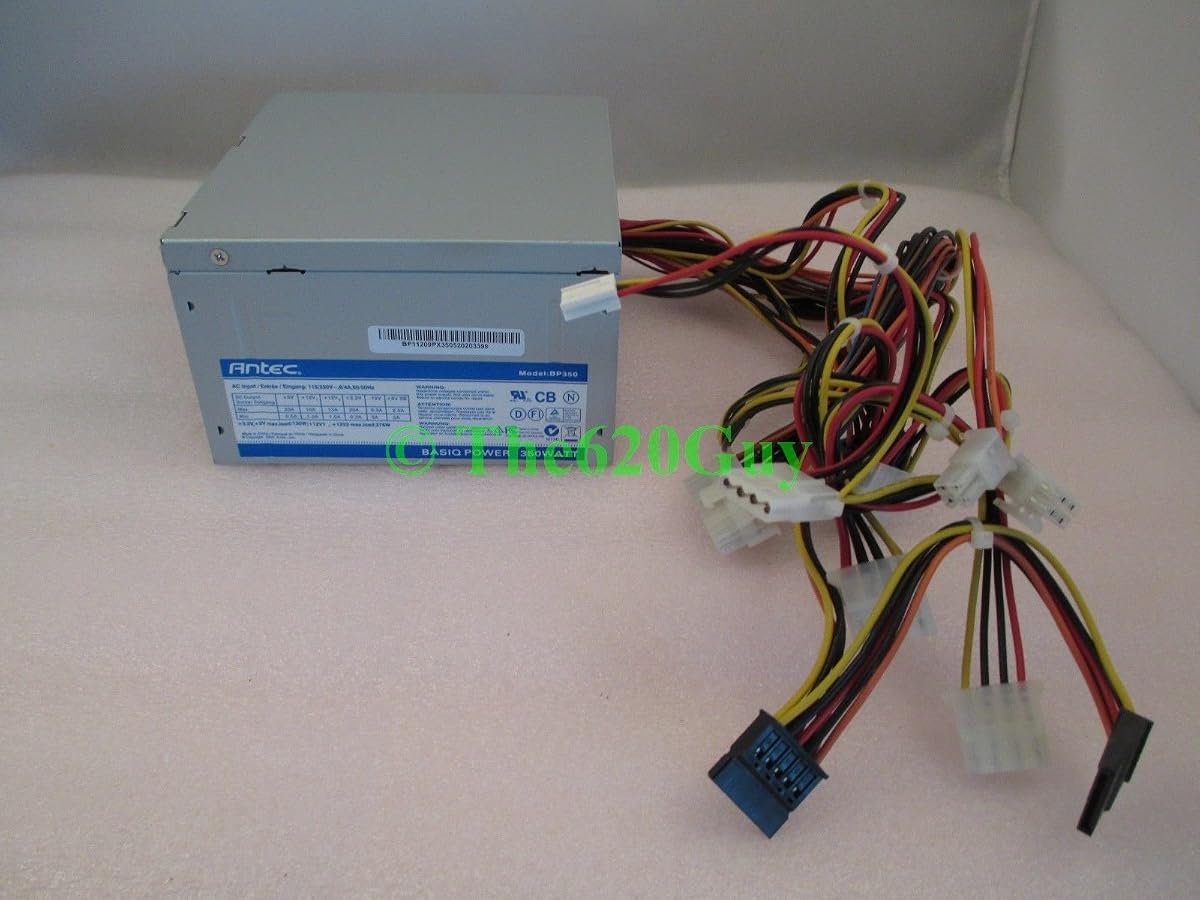
Antec brings years of experience to this Basiq unit. It offers reliable power at an unbeatable price for budgets. The 24/4-Pin connector fits modern motherboards.
We may earn a commission when you buy through this link, at no additional cost to you.
Build quality meets Antec standards for longevity. It works for entry-level systems or office PCs. Efficiency remains steady for daily tasks.
Design reflects older standards but meets ATX needs. Fixed cables may limit space in small cases. Verify wattage needs for your hardware.
Best for trust seekers needing simple power. The price fits tight budgets well. Check compatibility before purchase.
Antec uses proven components for steady output. This ensures safe operation over years of use.
We may earn a commission when you buy through this link, at no additional cost to you.
This Basiq unit prioritizes quiet operation with an 80mm fan. It fits compact ATX cases needing minimal height. The V2.01 standard ensures basic compatibility.
We may earn a commission when you buy through this link, at no additional cost to you.
Steady 350W output handles entry-level components well. Antec builds it with solid components for safety. The fan stays quiet under moderate loads.
Smaller fan may limit airflow in tight spaces. Check if V2.01 matches your motherboard. It remains reliable for office or home use.
Ideal for quiet builds on a budget. Its compact nature fits limited spaces. Confirm connector types before buying.
The 80mm fan focuses on noise reduction. This suits environments where silence is critical.
We may earn a commission when you buy through this link, at no additional cost to you.
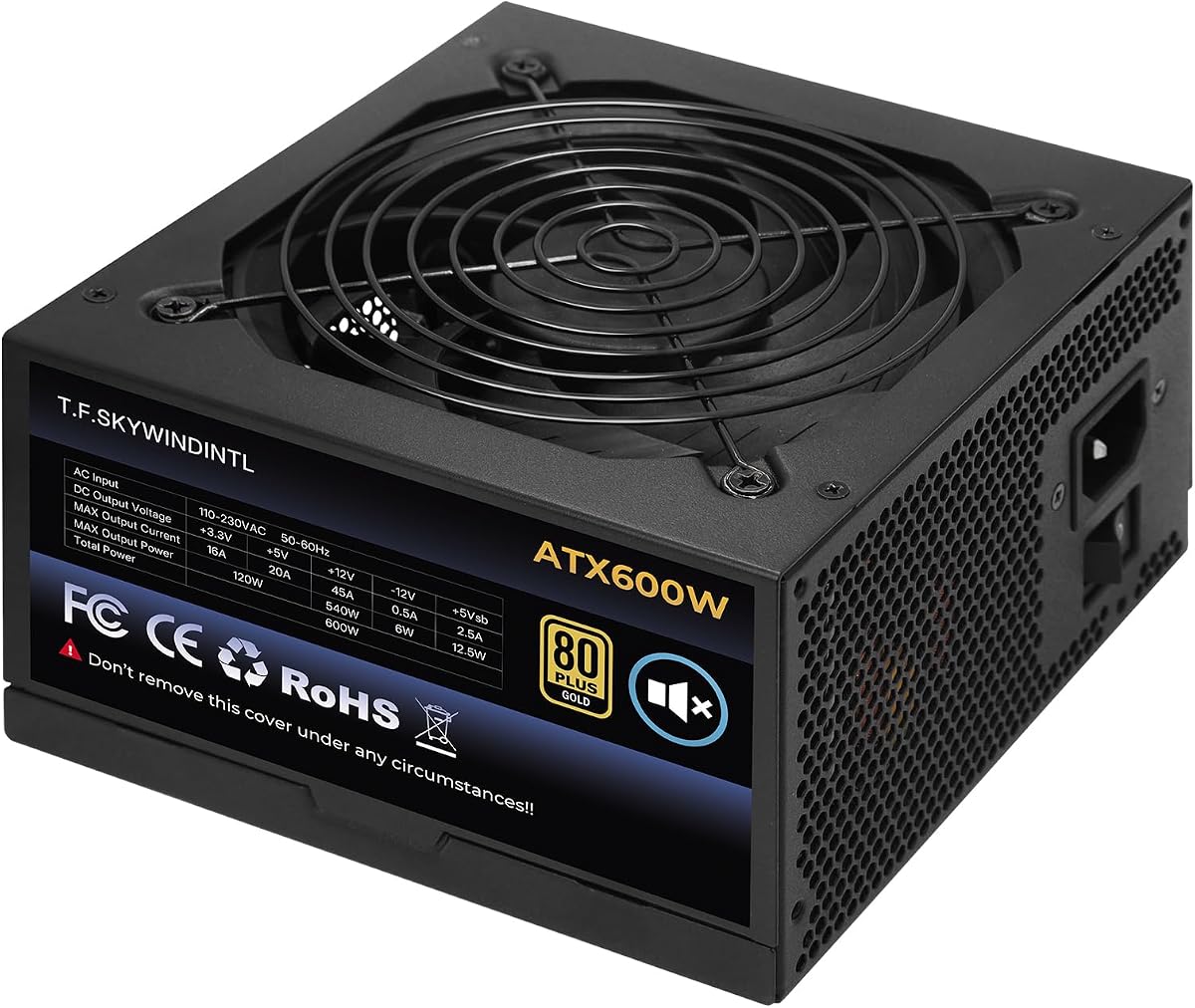
This 600W unit offers significant headroom for upgrades. The 80 Plus Gold rating ensures high efficiency. It suits gaming PCs needing stable voltage for GPUs.
We may earn a commission when you buy through this link, at no additional cost to you.
A 125mm FDB fan runs quietly while cooling components. Full protections like OVP and OTP cover electrical risks. The non modular design keeps costs down.
Cable lengths may vary for your case layout. It exceeds typical 350W needs allowing future expansion. Check CPU and GPU requirements before purchase.
Best for those needing future-proof wattage. The fan ensures silent operation. Verify case clearance before ordering.
600W output supports future GPU upgrades easily. It leaves room for additional components.
We may earn a commission when you buy through this link, at no additional cost to you.
Selecting the right 350W PSU requires balancing wattage efficiency and physical size. This guide explains key factors to consider for your system.
Choose a PSU that exceeds your system needs. A 350W unit works for low-power desktops. Adding extra 50W prevents stress during peak usage.
Calculate total draw before buying to avoid overload.
Certifications like 80 Plus reduce wasted energy. Bronze or Gold ratings lower electricity bills and heat. Higher tiers often mean better internal components.
Pick at least Bronze for long-term savings.
Match the PSU size to your case. Standard ATX fits most towers. Flex ATX is better for compact systems.
Verify dimensions to ensure a proper fit.
Ensure cables match your motherboard and drives. 24pin and 4pin connectors are common. PCIe connectors may be needed for graphics.
Check connector counts to avoid missing cables.
Modular units allow only using needed cables. This improves airflow and looks cleaner. Fixed cables save money but limit flexibility.
Choose modular for complex builds with tight cases.
Larger fans often run quieter than smaller ones. Look for fluid dynamic bearings. Thermal control helps reduce noise at idle.
Prioritize low-decibel ratings for quiet systems.
Safety features like OVP and SCP protect hardware. Over temperature and short circuit guards add security. These ensure stable operation during spikes.
Always choose a PSU with full protection suite.
Warranties reflect manufacturer confidence. Longer terms suggest higher component quality. Support channels help resolve issues quickly.
Prefer units with at least a three-year warranty.
Ensure correct voltage switching before plugging in. Match the switch to local grid standards for safety. Incorrect settings can damage the unit.
Install the PSU with airflow in mind. Keep vents clear from dust or obstructions. Use cable ties to prevent fan blockage.
Regularly clean dust filters to maintain cooling. Check connections periodically for loose plugs. Proper care extends lifespan and efficiency.
A 350W PSU works for entry-level gaming with integrated graphics. It may suffice for low TDP discrete GPUs like GTX 1050. For higher end cards consider more wattage to prevent instability.
80 Plus ensures the PSU meets minimum efficiency levels. It reduces wasted energy as heat under typical loads. Higher tiers like Gold offer even better performance.
Use an online PSU calculator to sum component TDPs. Add 50W headroom for safety and future upgrades. Compare total against PSU continuous output ratings.
Modular PSUs improve airflow by removing unused cables. They offer cleaner builds but cost more. Fixed units work fine for standard setups.
Noisy fans often mean dust buildup or wear. Clean the vents carefully with compressed air. If noise persists consider replacement to prevent overheating.
Yes a 350W PSU suits office desktops well. It handles standard CPUs and storage easily. Efficiency ratings help keep electricity costs low.
The Thermaltake Smart and Silverstone units stand out for reliability. Both offer strong efficiency and connector options for most builds. Consider your case size and budget when selecting.
Prioritize safety features and efficiency ratings over brand. A good PSU protects all other components from damage. Higher efficiency means lower long-term costs for users.
Prices change often so check current listings before buying. Ensure your model matches local voltage needs. A solid choice ensures stability for your entire system.