
HP OmniBook 3 14 inch
4.1Editor score
2K OLED display
Snapdragon X processor
Long battery life
Laptops with OLED displays offer stunning visuals that bring your content to life with true blacks and vibrant colors. These screens provide an immersive experience ideal for creative work, media consumption, and detailed tasks.
We have carefully evaluated ten leading models to find the best options available this month. Our analysis focuses on display quality, performance capabilities, battery efficiency, and overall build quality to help you make an informed decision.
Each pick highlights specific strengths and ideal use cases to match your unique needs. Please note that availability and features may vary by region and retailer, so check current listings before purchasing.
4.1Editor score

4.0Editor score

4.5Editor score
As an Amazon Associate we earn from qualifying purchases.
The following table provides a side-by-side overview of key specifications for each laptop. This helps you quickly identify which device matches your requirements for screen size, memory, and processing power.

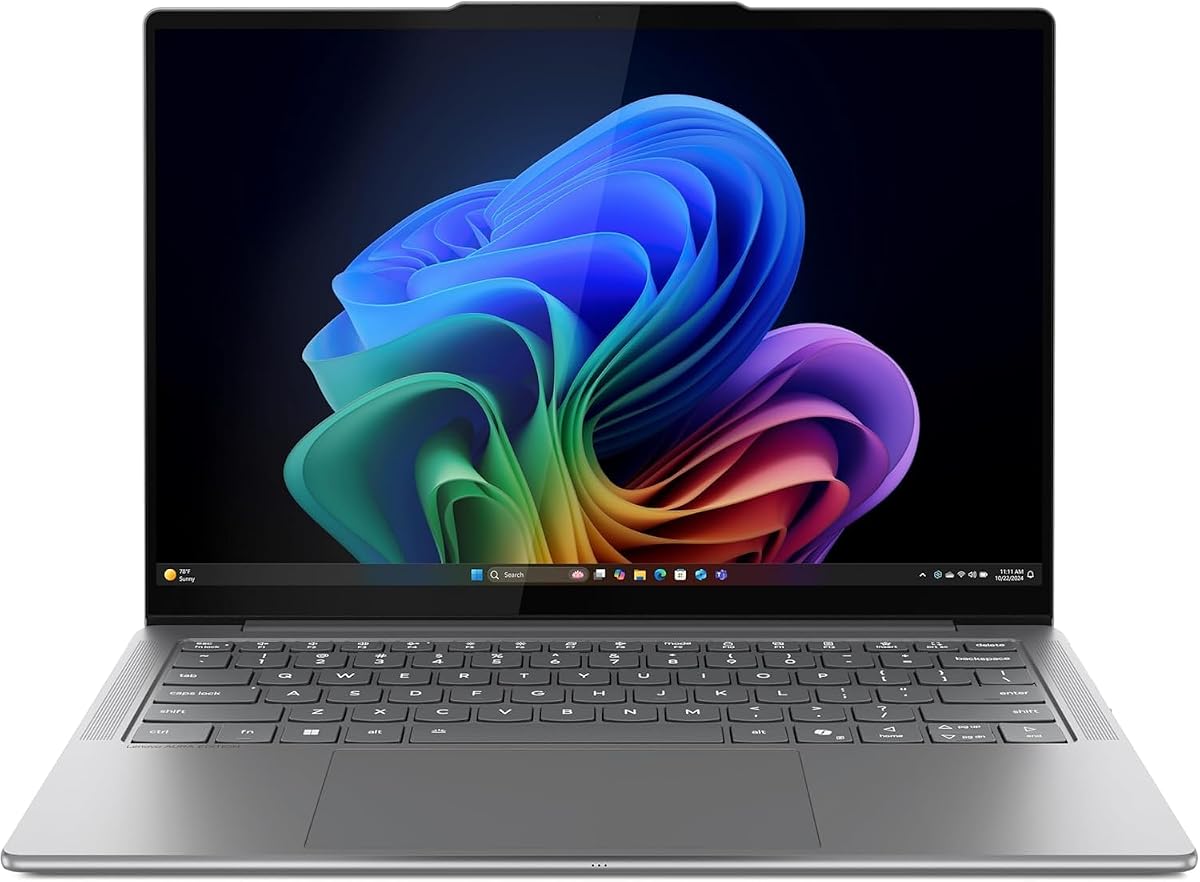

This laptop stands out for its stunning visual performance and robust hardware configuration. With a high-resolution OLED screen and powerful AI-driven processor, it meets the demands of modern creative workflows seamlessly.
We may earn a commission when you buy through this link, at no additional cost to you.
The display offers a wide color gamut and high refresh rate, making it ideal for video editing and design work. The included discrete graphics further enhances rendering speeds and multimedia capabilities significantly.
While the device offers exceptional performance, users should be aware of its weight and battery consumption. It is best suited for stationary work or short commutes where power is available.
If you need a reliable workstation for professional tasks, this model provides the necessary balance of power, display quality, and connectivity. It is a top choice for serious creatives.
The OLED panel delivers deep blacks and vibrant colors essential for accurate visual work and media consumption.
Powered by AMD Ryzen AI, it handles complex tasks efficiently while supporting advanced AI-driven applications effectively.
We may earn a commission when you buy through this link, at no additional cost to you.
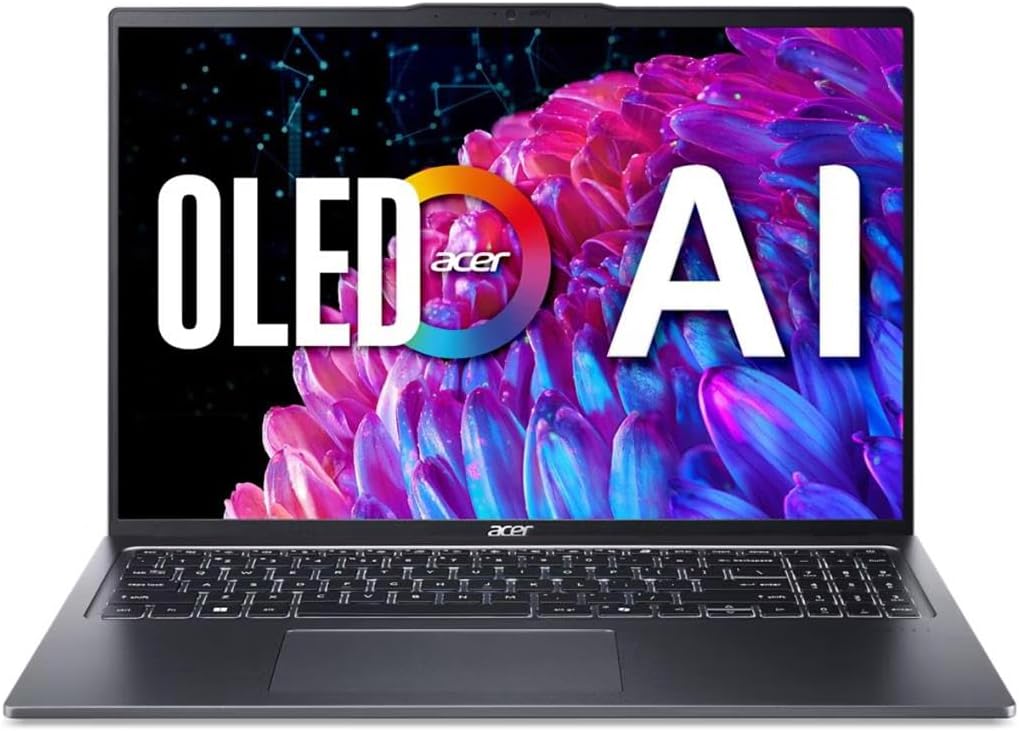
The Acer Swift Go balances performance with a lightweight chassis designed for professionals on the move. Its high-resolution OLED panel ensures clarity for productivity tasks without compromising on portability.
We may earn a commission when you buy through this link, at no additional cost to you.
Equipped with next-gen AI features and robust connectivity options, this laptop adapts to various workflows effectively. The eye safety certification makes long working sessions more comfortable for users.
However, the base memory configuration may require upgrades for heavy multitasking. Users needing extensive storage or RAM should plan accordingly or select a higher variant.
For travelers and professionals seeking a premium viewing experience in a lightweight package, this device is a strong contender. It delivers value through its display and build.
The screen provides sharp visuals with reduced blue light, supporting extended usage without eye strain.
Thunderbolt 4 and Wi-Fi 6E ensure rapid data transfers and stable connections for all your devices.
We may earn a commission when you buy through this link, at no additional cost to you.
This ASUS model offers impressive specs including high RAM and a capable AI processor at a competitive price point. It serves well as a versatile machine for both work and entertainment needs.
We may earn a commission when you buy through this link, at no additional cost to you.
The battery life is particularly notable, allowing for extended use away from an outlet. Its compact design ensures it fits easily into bags without adding significant weight.
While the screen resolution is lower than competitors, the OLED technology still provides excellent contrast and color depth. Users focused on raw speed over pixel density will find it suitable.
For general users who prioritize multitasking capabilities and battery endurance, this laptop represents excellent value. It balances features and cost effectively for most consumers.
With up to 21 hours of usage, it supports all-day productivity without frequent recharging needs.
The 32GB RAM ensures smooth operation even with multiple heavy applications running simultaneously.
We may earn a commission when you buy through this link, at no additional cost to you.
The HP OmniBook 3 is designed for users who need long-lasting power and portable performance. Its battery life claims make it a top pick for those frequently traveling or working remotely.
We may earn a commission when you buy through this link, at no additional cost to you.
The Snapdragon processor ensures efficient task handling and smooth connectivity. The OLED screen adds visual appeal without sacrificing energy efficiency significantly.
Storage limitations may require cloud solutions or external drives for users with large file needs. It is best suited for light to moderate productivity tasks.
If battery endurance is your primary concern, this model delivers on that promise effectively. It is a practical choice for mobile professionals.
The AI chip optimizes power usage, ensuring the device lasts longer on a single charge.
A 2K OLED display brings rich color and clarity to your digital content daily.
We may earn a commission when you buy through this link, at no additional cost to you.
This variant of the ASUS Vivobook focuses on raw power and durability for demanding users. The top-tier processor supports intensive workloads while maintaining system stability.
We may earn a commission when you buy through this link, at no additional cost to you.
It includes robust security features and high-quality audio for a complete premium experience. The durability rating ensures it can withstand daily rigors of travel.
Users should expect a higher cost for these upgraded components. It is best for those who need a reliable workstation without compromises.
If you require maximum performance and build quality in an OLED laptop, this model is an excellent investment. It combines style with strength effectively.
The Core Ultra 9 handles complex calculations and multitasking with ease and efficiency.
Military standard testing ensures the laptop remains reliable even in tough environments.
We may earn a commission when you buy through this link, at no additional cost to you.
The OmniBook 5 introduces a touch interface that adds versatility to navigation. Its larger screen real estate makes it comfortable for media consumption and creative input.
We may earn a commission when you buy through this link, at no additional cost to you.
With enhanced connectivity and AI tools, it keeps users efficient and secure. The privacy shutter offers peace of mind during remote work sessions.
The device is well rounded for general professional tasks. While it lacks some high-end power, it covers the basics effectively and efficiently.
For users who value interaction and connectivity, this laptop provides a solid package. It is a good fit for office work and media.
The touch capability allows for direct manipulation of content, enhancing usability.
Wi-Fi 6E ensures fast internet speeds and reduced latency during streaming.
We may earn a commission when you buy through this link, at no additional cost to you.
The Slim 7i is engineered for professionals who prioritize weight without sacrificing performance. Its slim profile makes it easy to slip into any bag.
We may earn a commission when you buy through this link, at no additional cost to you.
The OLED display offers vibrant visuals suitable for presentations and media. Integrated security features ensure your data remains safe on the go.
While it excels in mobility, port selection is somewhat limited. Users may need adapters for older peripherals or HDMI connections.
For frequent travelers needing a reliable and portable device, this laptop is a top choice. It balances power and size effectively for professionals.
The lightweight construction reduces strain during travel while maintaining build quality.
Windows Hello and IR cameras provide quick and secure access to your system.
We may earn a commission when you buy through this link, at no additional cost to you.
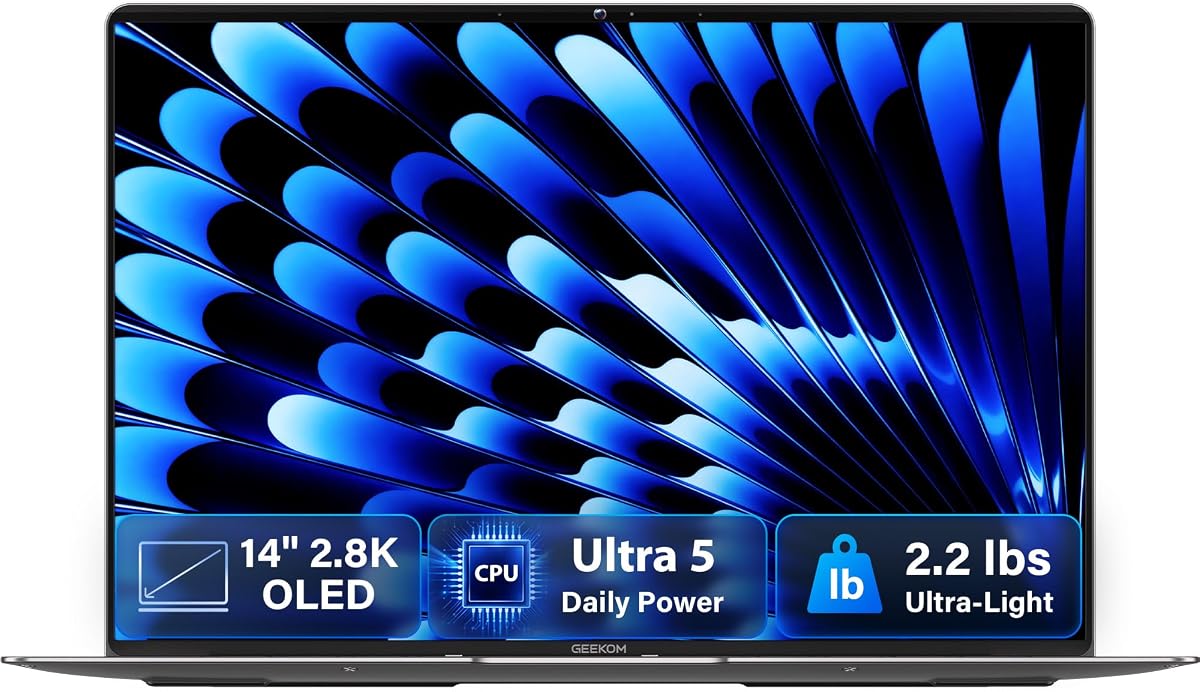
This model prioritizes aesthetics and portability with a sleek magnesium alloy chassis. The high pixel density display ensures text and images appear exceptionally sharp.
We may earn a commission when you buy through this link, at no additional cost to you.
Thermal management keeps the device quiet even under load. Its build quality feels premium in hand, offering a satisfying user experience.
The smaller screen may limit productivity for some users. It is best suited for those who value portability above large workspace needs.
For style-conscious users seeking a thin and light device, this laptop stands out. It delivers visual quality in a compact form factor.
The magnesium alloy casing ensures durability while keeping the weight minimal.
Advanced cooling keeps fans silent, maintaining a calm working environment.
We may earn a commission when you buy through this link, at no additional cost to you.
The Legion 5a brings gaming-grade performance to an OLED form factor. Its high refresh rate and dedicated GPU make it perfect for interactive entertainment and rendering.
We may earn a commission when you buy through this link, at no additional cost to you.
Wi-Fi 7 support ensures future-proof connectivity speeds. The RGB keyboard adds a visual flair that appeals to gaming and tech enthusiasts.
However, this focus on performance comes with increased weight and power consumption. It is not ideal for daily commuting unless necessary.
For users prioritizing visual fidelity and speed for gaming or 3D work, this is the top choice. It combines immersion with power effectively.
The dedicated GPU and high refresh rate deliver smooth visuals for games.
Wi-Fi 7 and multiple ports ensure fast transfers and peripheral support.
We may earn a commission when you buy through this link, at no additional cost to you.
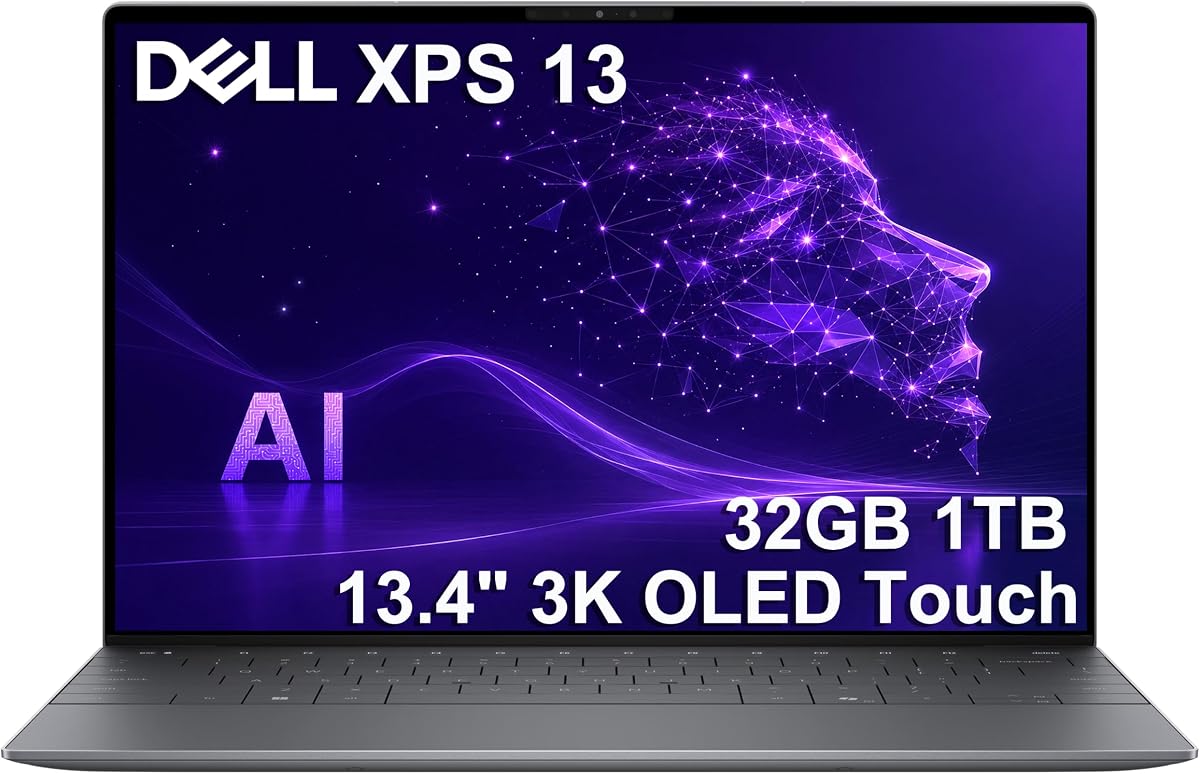
This Dell model is a compact powerhouse for professional users. Its small footprint and high resolution make it perfect for travel and detailed work.
We may earn a commission when you buy through this link, at no additional cost to you.
Security features like BitLocker and remote desktop support are pre-installed for business readiness. The battery life ensures you can work uninterrupted for long periods.
The limited port selection requires reliance on dongles. It is best for users who already have a hub ecosystem or use cloud storage.
If you need a premium, portable workstation for business, this laptop is an excellent choice. It delivers security and performance in a small package.
Windows Pro features and enterprise security tools ensure safety and management.
The thin design and long battery life support mobile professional workflows.
We may earn a commission when you buy through this link, at no additional cost to you.
Selecting the right laptop involves weighing various factors against your specific needs. This guide outlines key elements to consider for an informed choice.
OLED technology offers superior contrast and color accuracy. Look for resolution and refresh rates that match your visual tasks. Higher specs ensure better clarity for creative work.
Prioritize resolution and color gamut coverage for the best visual experience.
OLED screens can drain power faster. Check for large battery capacity and efficient processors to ensure longevity. This is crucial for mobile professionals without constant access to power.
Balance power with capacity to maximize usage time away from outlets.
Performance depends heavily on the CPU and GPU. Choose multi-core processors for multitasking and graphics capabilities for rendering. AI-enabled chips add extra value for modern workflows.
Select a processor tier that matches your daily workload demands.
RAM and SSD capacity determine system speed and file access. Aim for at least 16GB RAM and 512GB storage for smooth operations. Upgradability is a plus for future needs.
Ensure memory and storage meet your immediate and future project requirements.
Weight and thickness matter for frequent travelers. A lighter chassis reduces strain but ensure build quality remains solid. Check dimensions against your bag size before buying.
Opt for lighter models if you travel often to reduce physical strain.
Variety in ports reduces the need for dongles. Look for USB-C, HDMI, and SD slots for versatile connections. Wi-Fi 6E or 7 ensures fast and reliable networking.
Check available ports to match your existing peripherals and network needs.
Security is vital for business and personal use. Features like fingerprint scanners, IR cameras, and TPM chips protect data. Privacy shutters add an extra layer of protection for webcams.
Choose models with integrated security hardware to safeguard sensitive information.
Durability ensures your investment lasts. Materials like aluminum or magnesium alloy offer better resistance to wear. Military standards certification provides confidence in rugged usage scenarios.
Prioritize sturdy materials to ensure the device withstands daily use.
Keep the screen clean with a soft microfiber cloth to avoid scratches. Avoid applying excessive pressure to the display surface during cleaning.
Adjust brightness settings based on ambient light to extend battery life. Lower brightness helps reduce power consumption significantly over long periods.
Use screen savers or auto-lock features when idle to prevent image retention. Moving the cursor occasionally helps maintain display health over time.
OLED displays offer perfect blacks and vibrant colors due to self-emitting pixels. This results in higher contrast ratios and faster response times compared to traditional LCDs.
Burn-in is rare on modern OLEDs due to improved pixel shifting technology. However, using static images for hours without movement may still cause slight image retention.
OLED screens typically consume less power on dark content. However, bright high-resolution displays can drain battery faster than standard LCDs in bright environments.
Models with Snapdragon processors or efficient CPUs tend to last longer. Look for high mAh batteries combined with power-efficient display settings for maximum duration.
Most thin OLED laptops have soldered RAM to maintain a slim profile. Always check the specs before purchasing if you plan to upgrade memory later.
Yes, they provide excellent contrast and fast refresh rates. However, dedicated GPUs are required for high-end gaming performance and smooth frame rates.
Our top picks offer a range of options for every user need. Whether you prioritize battery life, power, or portability, there is a model that fits.
Consider your primary use cases before making a final decision. Balancing display quality with performance ensures you get the most out of your investment.
Check current availability and deals to find the best value. Prices and stock can fluctuate, so act quickly when you find the right device.