
GT 740 4GB GDDR5 Low Profile
4.1Editor score
Quad HDMI Ports
Low Profile Design
Silent Cooling System
Discover the top Linux graphics cards for performance and compatibility. We compare ten GPUs ranging from budget options to professional workstations for Linux
Choosing the right graphics card for Linux systems requires careful consideration of driver support and hardware compatibility. Open-source communities have made significant strides, ensuring smoother experiences across various distributions and kernel versions today.
We evaluated ten distinct models based on their architectural strengths, memory capacity, and official support for open-source kernels. Each entry was selected to represent different use cases, from basic desktop display to intensive computational workloads requiring robust acceleration.
Every pick highlights key specifications and real-world utility for Linux environments without focusing on specific pricing fluctuations. Prices change frequently, so verify current deals before purchasing to ensure you get the best value for your specific workflow needs.
4.1Editor score

4.7Editor score

3.9Editor score
This side-by-side comparison highlights the core specifications and capabilities of each graphics card selected for Linux compatibility. We examine memory, architecture, and connectivity to help you match hardware to your specific operating environment needs.


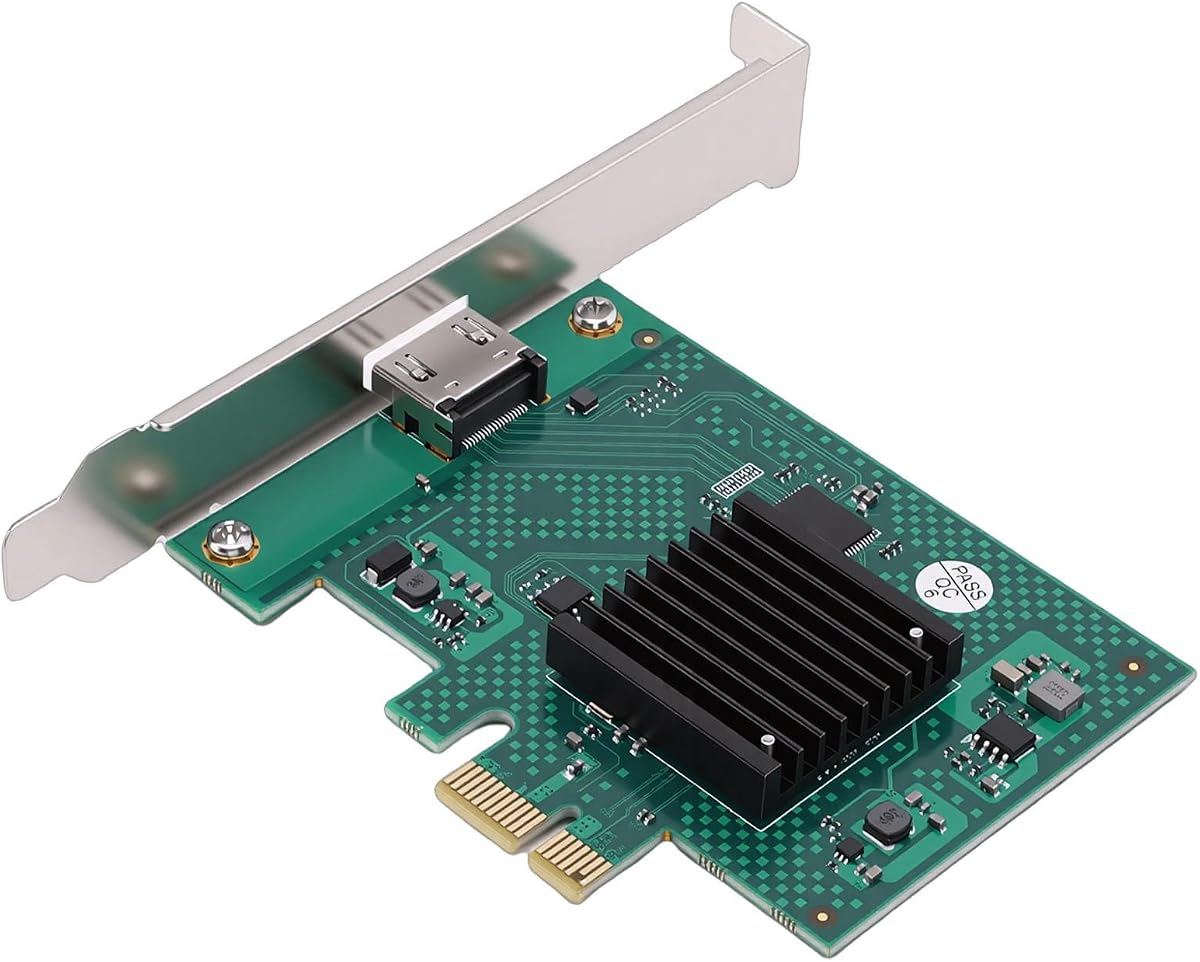


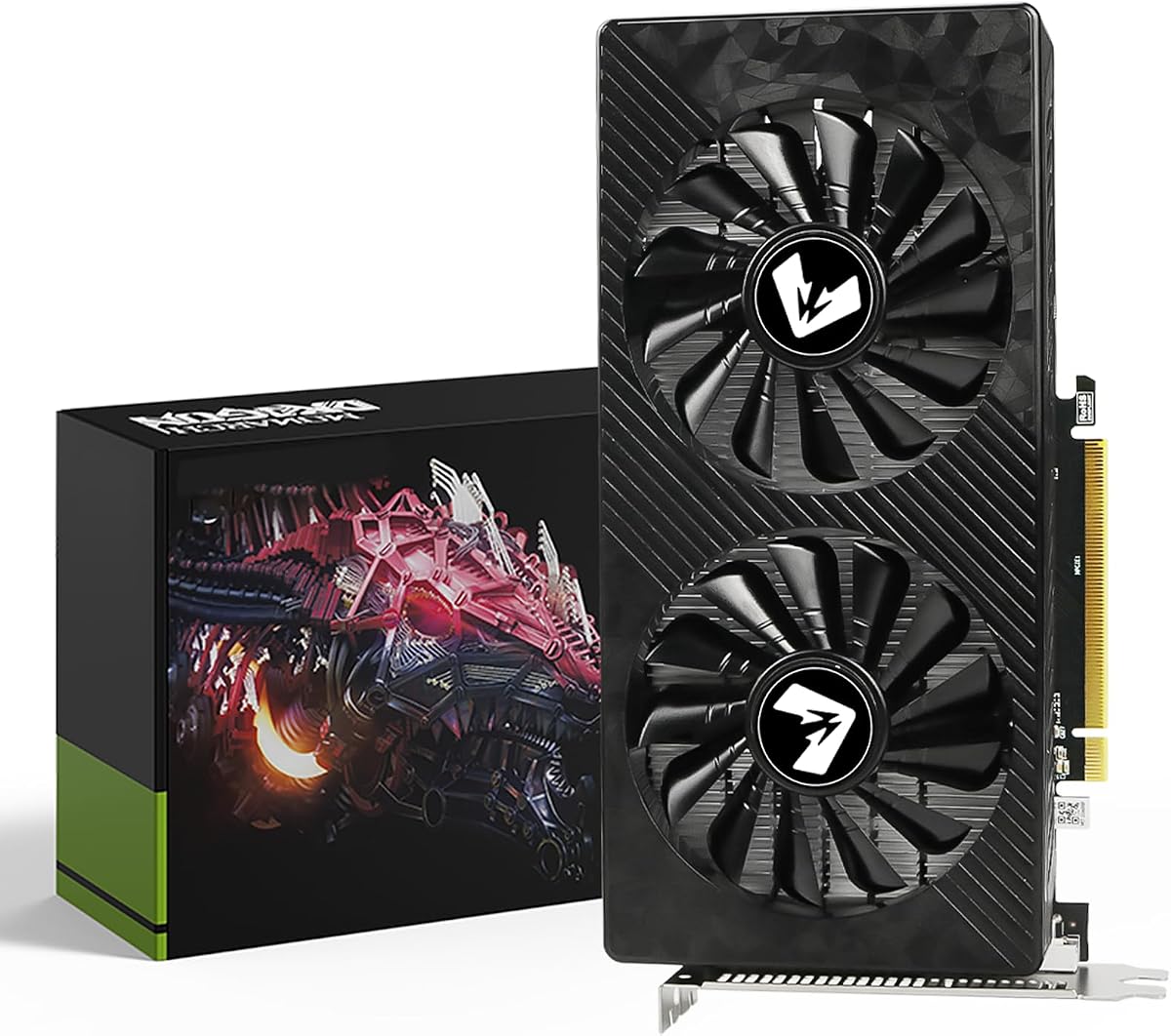
The ASUS Dual GeForce RTX 3050 6GB stands out as the top choice for Linux users seeking balanced performance. It holds a 4.7 rating and delivers reliable graphics acceleration through NVIDIA Ampere architecture which is well-supported in modern kernels.
We may earn a commission when you buy through this link, at no additional cost to you.
Its key strengths include Axial-tech fan design for quiet cooling and 2nd Generation RT Cores for ray tracing. The 6GB GDDR6 memory handles modern workloads effectively while maintaining low power draw crucial for Linux server stability.
Honest trade-offs involve the 6GB memory limit which restricts large-scale AI model inference. However for most desktop and development workflows this capacity is sufficient and ensures better thermal headroom compared to larger cards.
Users needing robust gaming or professional visualization on Linux should buy this card. It offers the best compromise of performance compatibility and build quality for the average Linux workstation environment today.
NVIDIA provides proprietary drivers that integrate smoothly with Linux kernel modules ensuring stable rendering across distributions.
The card consumes minimal power allowing for silent operation in home offices without needing high wattage PSU upgrades.
We may earn a commission when you buy through this link, at no additional cost to you.
This GIGABYTE model mirrors the core capabilities of the ASUS option with a 4.6 rating and similar Ampere architecture. It serves as a strong alternative for users prioritizing specific vendor preferences or availability in their region.
We may earn a commission when you buy through this link, at no additional cost to you.
Key strengths include 2nd Generation RT Cores and 3rd Generation Tensor Cores for efficient AI tasks. The 2X WINDFORCE Fans ensure airflow remains adequate during sustained Linux rendering or compilation workloads without excessive noise.
Trade-offs are minimal as it shares the same memory limits as the competitor. Users might find the visual design less appealing but functionally it performs consistently well under Linux kernel driver constraints.
Buy this if you prefer GIGABYTE reliability or find it priced better than the ASUS version. It delivers the same essential Linux compatibility for professional and gaming workloads equally.
The dual fan setup provides better thermal dispersion which helps maintain boost clocks during long Linux sessions.
WINDFORCE technology ensures low noise levels making it ideal for quiet office Linux development machines.
We may earn a commission when you buy through this link, at no additional cost to you.
The PNY NVIDIA T1000 holds a 4.7 rating and excels in professional visualization tasks on Linux systems. It uses NVIDIA Turing architecture which offers robust hardware stability for critical workflows.
We may earn a commission when you buy through this link, at no additional cost to you.
Its strengths lie in ISV certifications ensuring compatibility with CAD and 3D software. The ability to drive up to four 5K displays makes it perfect for complex multi-monitor Linux setups used in engineering and design.
Trade-offs include the higher cost compared to gaming cards and older architecture which lacks modern ray tracing features. However these trade-offs are acceptable for users needing certified reliability over raw gaming performance.
Professional designers and engineers should buy this card for its stability and output capabilities. It ensures your Linux workstation remains productive without unexpected graphical glitches.
Certified drivers minimize crashes in specialized Linux software used for design and simulation.
Four 5K ports allow for expansive workspace arrangements essential for detailed technical work.
We may earn a commission when you buy through this link, at no additional cost to you.
This ASRock card stands out for large memory needs with a 3.9 rating due to being newer. It features 24GB GDDR6 memory ideal for running large language models and AI inference directly on Linux servers.
We may earn a commission when you buy through this link, at no additional cost to you.
Strengths include Xe2-HPG architecture supporting high-end workflows and PCIe 5.0 for maximum data throughput. The Scalable Multi-GPU support allows Linux users to stack multiple cards for increased compute power without complex bridging.
Trade-offs include the blower style cooling which can be louder than traditional fans. Additionally newer Intel drivers may require more frequent updates in Linux kernels compared to NVIDIA equivalents.
Buy this for heavy AI and LLM tasks where memory capacity is critical. It provides a unique path to scaling Linux inference workloads with professional hardware standards.
24GB memory allows loading huge models into GPU memory for fast local processing on Linux.
PCIe 5.0 and DP 2.1 ensure long term relevance as Linux systems adopt newer interface standards.
We may earn a commission when you buy through this link, at no additional cost to you.
The GT 740 4GB GDDR5 Low Profile offers a 4.1 rating and is perfect for basic Linux desktops. It delivers reliable multi-monitor capabilities without requiring high power or complex installation steps.
We may earn a commission when you buy through this link, at no additional cost to you.
Key strengths are the four HDMI ports allowing direct quad-monitor setups and low power draw. The silent cooling makes it ideal for media centers or office Linux boxes where noise is a concern.
Trade-offs include limited gaming performance and older architecture. However for web browsing video playback and general office tasks it is more than sufficient and highly reliable.
Buy this for budget builds needing multiple displays on Linux. It is a cost-effective solution for extending desktop real estate without financial strain.
Four HDMI ports simplify wiring for trading desks or command centers running Linux systems.
No external power needed ensures compatibility with older power supplies found in legacy PCs.
We may earn a commission when you buy through this link, at no additional cost to you.
This SOYO card receives a 4.5 rating and is tailored for upgrading older Linux PCs. It supports legacy interfaces like VGA alongside HDMI making it versatile for older monitors still in use.
We may earn a commission when you buy through this link, at no additional cost to you.
Key strengths include 384 CUDA cores for smooth 1080P playback and zero external power needs. The low profile bracket ensures it fits into slim cases common in office Linux environments.
Trade-offs involve DDR3 memory which slows data access compared to GDDR5. However for basic Linux tasks this memory type is adequate and keeps costs very low for buyers.
Buy this if you need a reliable replacement for integrated graphics on an older system. It brings stable Linux display performance without requiring new hardware upgrades.
Support for VGA and DVI allows reuse of existing office monitors while running modern Linux.
Drawing power solely from the PCIe slot reduces wiring complexity and heat output.
We may earn a commission when you buy through this link, at no additional cost to you.
The Gugxiom SM750 holds a strong rating and is built for harsh industrial Linux environments. It supports temperatures from -40C to +85C ensuring it functions reliably where standard cards would fail.
We may earn a commission when you buy through this link, at no additional cost to you.
Key strengths include screen rotation capabilities for kiosk setups and 2D acceleration for efficient interface rendering. Its PCIe x1 form factor leaves high bandwidth slots free for other Linux expansion cards.
Trade-offs include a single port and lack of modern 3D acceleration. However these limitations are acceptable for specific industrial use cases prioritizing durability over graphics power.
Buy this for embedded Linux systems in factories or outdoor kiosks. It provides a robust display interface designed to withstand extreme conditions.
Wide operating range ensures consistent Linux display output in non-climate controlled environments.
PCIe x1 slot usage preserves high-speed slots for critical data acquisition cards.
We may earn a commission when you buy through this link, at no additional cost to you.
The maxsun AMD Radeon RX 550 holds a 4.4 rating and is a favorite for open-source Linux users. AMD provides native open-source drivers that integrate seamlessly without proprietary software installation.
We may earn a commission when you buy through this link, at no additional cost to you.
Key strengths include 512 Stream Processors and DirectX 12 support enabling smooth Linux desktop experiences. The 9CM fan ensures silent operation suitable for home theater Linux PCs running media centers.
Trade-offs include modest gaming performance compared to newer models. However for general use it offers excellent compatibility and reliability for users avoiding proprietary drivers entirely.
Buy this if you prioritize open-source software and native Linux support. It ensures a smooth setup process with minimal configuration required.
AMD drivers are built into Linux kernels allowing immediate functionality upon boot.
ITX size fits small cases ideal for media streaming Linux boxes.
We may earn a commission when you buy through this link, at no additional cost to you.
The msi GT 1030 receives a 4.5 rating and is designed for quiet low-profile Linux builds. It supports HDCP ensuring content protection for streaming video on Linux media players.
We may earn a commission when you buy through this link, at no additional cost to you.
Key strengths include a single fan design for silence and 1430 MHz boost clock for stable visuals. It fits easily into small form factor cases common in modern office Linux setups.
Trade-offs involve DDR4 memory which is slower than GDDR5 equivalents. However for desktop and media usage this difference is minimal and does not impact Linux workflows negatively.
Buy this for compact Linux workstations needing basic graphics acceleration. It balances quiet operation with reliable compatibility for daily tasks.
HDCP support ensures playback of protected media streams on Linux platforms.
Single fan design minimizes noise for clean desk Linux environments.
We may earn a commission when you buy through this link, at no additional cost to you.
The MOUGOL AMD Radeon RX 580 holds a 4.2 rating and offers 8GB GDDR5 memory at a budget-friendly price. It supports Linux well via AMD open-source drivers for stable rendering.
We may earn a commission when you buy through this link, at no additional cost to you.
Key strengths include 2048 Stream Processors enabling decent gaming performance and triple-monitor setups. The dual-fan cooling maintains stable temperatures during Linux compilation or rendering work.
Trade-offs include older architecture requiring more power than newer cards. However the cost-to-performance ratio remains attractive for users needing extra VRAM for Linux multitasking.
Buy this if you need extra memory for Linux development on a budget. It provides solid raw performance without breaking the bank.
8GB memory supports heavy multitasking and large textures in Linux games.
Dual fans ensure consistent Linux performance even under moderate load.
We may earn a commission when you buy through this link, at no additional cost to you.
Selecting the right GPU for Linux requires analyzing driver support and hardware architecture. We explain the key factors that ensure your card works smoothly with open-source environments.
Linux systems rely heavily on open-source or proprietary drivers for graphics acceleration. NVIDIA and AMD offer distinct driver models with AMD providing fully open-source drivers integrated into the kernel while NVIDIA requires proprietary modules for optimal performance. Check community forums to verify driver stability for your specific Linux distribution.
Prioritize cards with active community support to ensure long-term compatibility.
VRAM size dictates how large datasets or models a GPU can handle. Modern Linux workflows involving machine learning or multi-monitor setups benefit from at least 8GB of memory. Budget options might restrict you to 4GB which limits complex tasks.
Choose a card with enough memory to handle your heaviest Linux workload without bottlenecks.
Power draw impacts both your electricity costs and cooling requirements. Linux servers often run 24/7 so efficient GPUs save significant energy over time. High-end cards require robust power supplies which adds to total system cost.
Select a power-efficient model to reduce thermal load and operational expenses.
Ports determine how many displays you can connect to your Linux workstation. HDMI and DisplayPort are standard but legacy VGA or DVI ports may be needed for older monitors. Ensure your card has enough outputs for your specific multi-monitor setup.
Match the port types and count to your existing monitor infrastructure.
Physical dimensions ensure your card fits inside your computer case. Small form factor Linux builds need low-profile cards while standard ATX cases allow for larger coolers. Verify case clearance to avoid installation issues.
Measure your case space before purchasing to guarantee a perfect fit.
Newer architectures offer better efficiency and instruction sets for Linux tasks. Older GPUs may lack support for modern APIs like Vulkan which is widely used in Linux gaming and development. Updated hardware ensures better longevity for your system.
Opt for recent architectures to ensure future-proofing for Linux updates.
Cooling affects noise levels and thermal throttling during Linux operations. Blower fans are compact but noisy while dual-fan designs offer quieter performance. Consider your noise tolerance when selecting cooling styles.
Choose a cooling solution that fits your environmental noise requirements.
User feedback reveals real-world compatibility issues specific to Linux distributions. Checking forums for Linux-specific bug reports helps avoid cards with known driver conflicts. Community knowledge is invaluable for verifying vendor claims.
Read Linux community reviews to identify any hidden compatibility issues.
Install the card in a secure PCIe slot and connect necessary power cables. Ensure the bracket is aligned with the case slot to avoid physical stress on the connector.
Update your Linux kernel to the latest stable version before installing drivers. This step reduces conflicts with kernel modules that manage hardware resources effectively.
Regularly clean dust from fans to prevent overheating. Linux systems often run silently so accumulated dust can cause thermal throttling over time.
Not all GPUs work well with Linux as driver support varies by manufacturer. AMD cards generally offer seamless open-source support while NVIDIA cards require proprietary drivers for full functionality. Always check community forums for specific model compatibility.
For most Linux desktop tasks 4GB is sufficient but development work often requires 8GB. If you run virtual machines or AI models prioritize GPUs with at least 12GB of VRAM for smooth operation without bottlenecks.
Modern Linux distributions often include open-source drivers in the default kernel so manual compilation is rarely needed. NVIDIA users may need to run a setup script to install proprietary modules but this is straightforward.
Yes Linux supports multi-GPU setups for rendering or compute tasks. Ensure your motherboard has enough PCIe slots and that drivers support multi-GPU configurations like SLI or CrossFire which are limited on open-source stacks.
Open a terminal and run lspci -v to verify GPU detection. Use glxinfo to confirm that OpenGL rendering is active and that hardware acceleration is properly enabled on your system.
Refurbished cards are safe for Linux as long as they pass basic hardware diagnostics. Ensure cooling components are intact to avoid thermal issues. Linux drivers do not distinguish between new and used hardware.
DisplayPort and HDMI are essential for modern Linux displays. If you have older monitors ensure the card supports DVI or VGA to avoid needing adapters which can cause signal issues.
We reviewed ten graphics cards ranging from budget-friendly options to professional workstations. Each pick provides specific value for Linux users needing reliable driver support and hardware compatibility.
Prioritize driver compatibility and memory capacity over raw gaming performance for your needs. A card that integrates well with your kernel ensures a smooth daily workflow.
Remember to verify current prices and availability before purchasing. Linux hardware markets change quickly so checking recent deals ensures you get the best value for your budget.