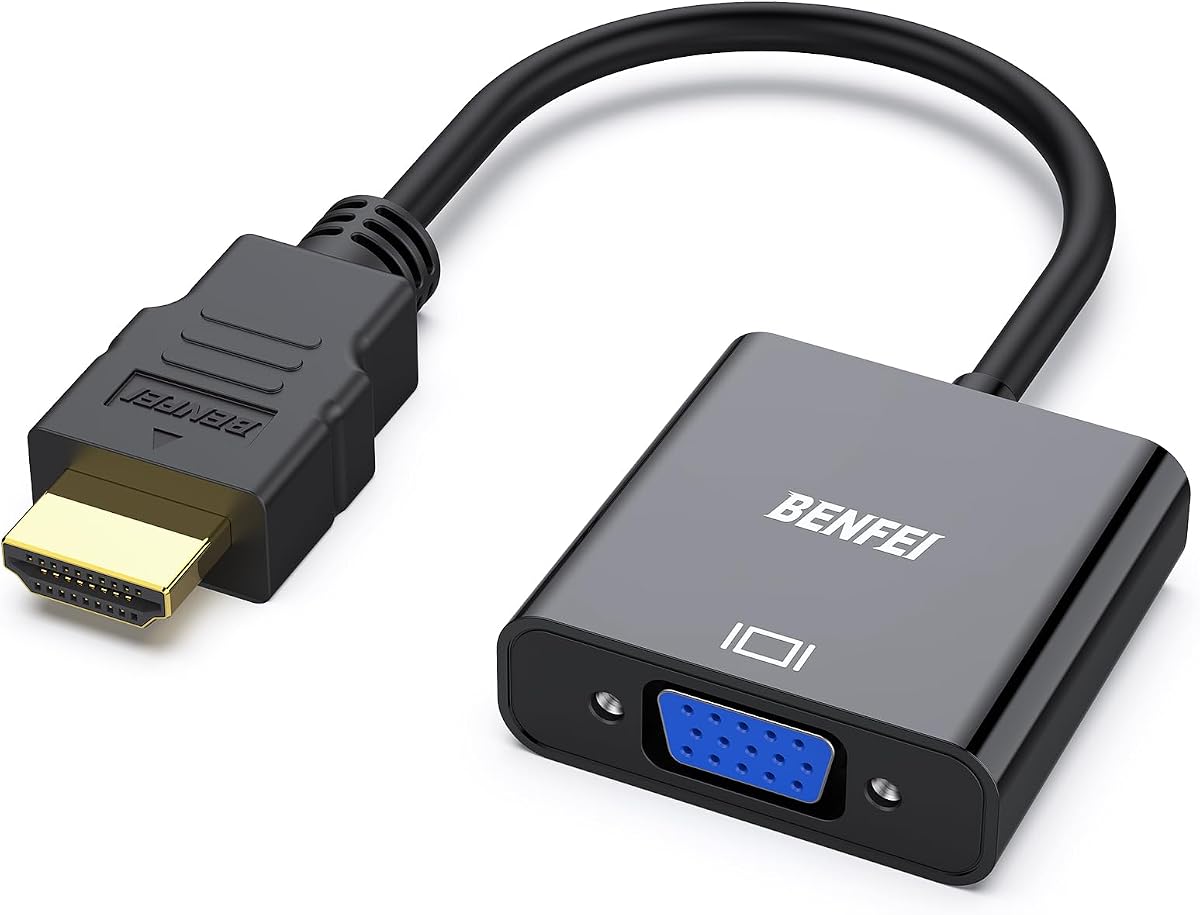
BENFEI HDMI to VGA Adapter
4.6Editor score
Compact and lightweight design
Supports 1080p resolution
Gold-plated HDMI connector
This guide compares the top HDMI to VGA converter adapters for reliable signal conversion, compatibility, and performance across laptops and projectors in 2026.
Finding the right HDMI to VGA converter adapter is essential for connecting modern devices to legacy displays. These adapters bridge the gap between digital HDMI outputs and analog VGA inputs. They ensure crisp video quality for presentations and home entertainment setups.
We evaluated ten top-rated adapters based on signal stability, build quality, and compatibility. Each product was analyzed for its ability to handle high resolutions without lag. Our comparison includes options for budget buyers and professionals needing reliable performance.
Each pick highlights unique features like audio support, warranty length, and port design. Prices vary depending on included cables and additional ports. Always check current listings for the latest deals and availability before purchasing your next adapter.
4.6Editor score

4.6Editor score

4.5Editor score
This side-by-side comparison highlights the key specifications and features of each adapter. Reviewing these details helps you select the model that fits your specific display needs.


The Moread HDMI to VGA Adapter stands out as a top choice for reliable signal conversion. It holds a strong rating due to its consistent performance. The adapter delivers clear images on legacy monitors without flickering.
We may earn a commission when you buy through this link, at no additional cost to you.
Its advanced IC chip ensures smooth conversion from digital to analog signals. The gold-plated connector resists corrosion and improves transmission. This durability makes it ideal for frequent use in professional settings.
While it does not include a VGA cable, the adapter is designed to work with standard cables. This keeps the price reasonable. The five-year warranty offers peace of mind for long-term users.
Buyers looking for a dependable solution should consider this adapter. It balances performance and value effectively. The brand reputation for support adds to its appeal.
The advanced IC chip ensures stable HDMI to VGA conversion without signal loss.
Gold plating and strain relief extend the adapter's lifespan significantly.
We may earn a commission when you buy through this link, at no additional cost to you.
The BENFEI HDMI to VGA Adapter offers excellent value for budget-conscious shoppers. It delivers solid performance at a competitive price. The compact design makes it easy to carry for presentations or travel.
We may earn a commission when you buy through this link, at no additional cost to you.
Its gold-plated connector ensures corrosion resistance. The built-in IC chip maintains stable signal conversion. It supports resolutions up to 1080p for clear visuals on older displays.
While it may lack some premium features, it covers essential needs well. The warranty provides reliable customer support. This model is a practical choice for occasional users.
Those needing a simple solution will find this adapter sufficient. It works with many devices including laptops and game consoles. The balance of cost and quality is hard to beat.
Its lightweight form factor fits easily into pockets or laptop bags.
Works with most computers and devices featuring an HDMI port.
We may earn a commission when you buy through this link, at no additional cost to you.
The StarTech Active HDMI to VGA Adapter is built for professional environments. It supports high resolutions without needing external power. The design reduces clutter by eliminating extra power adapters.
We may earn a commission when you buy through this link, at no additional cost to you.
Its universal compatibility ensures it works with Windows, macOS, and Linux systems. The support for screw-locking cables prevents accidental disconnections. This feature is vital for stable projectors or monitors.
Although it costs more than standard options, the reliability justifies the expense. Users get a robust adapter that minimizes downtime. The technical specifications are ideal for business use.
Professionals who need a secure and reliable setup should choose this model. It offers superior stability compared to basic adapters. The investment pays off in consistent performance.
Works seamlessly across all major operating systems without drivers.
Supports VGA screw-locking cables to keep the display stable.
We may earn a commission when you buy through this link, at no additional cost to you.
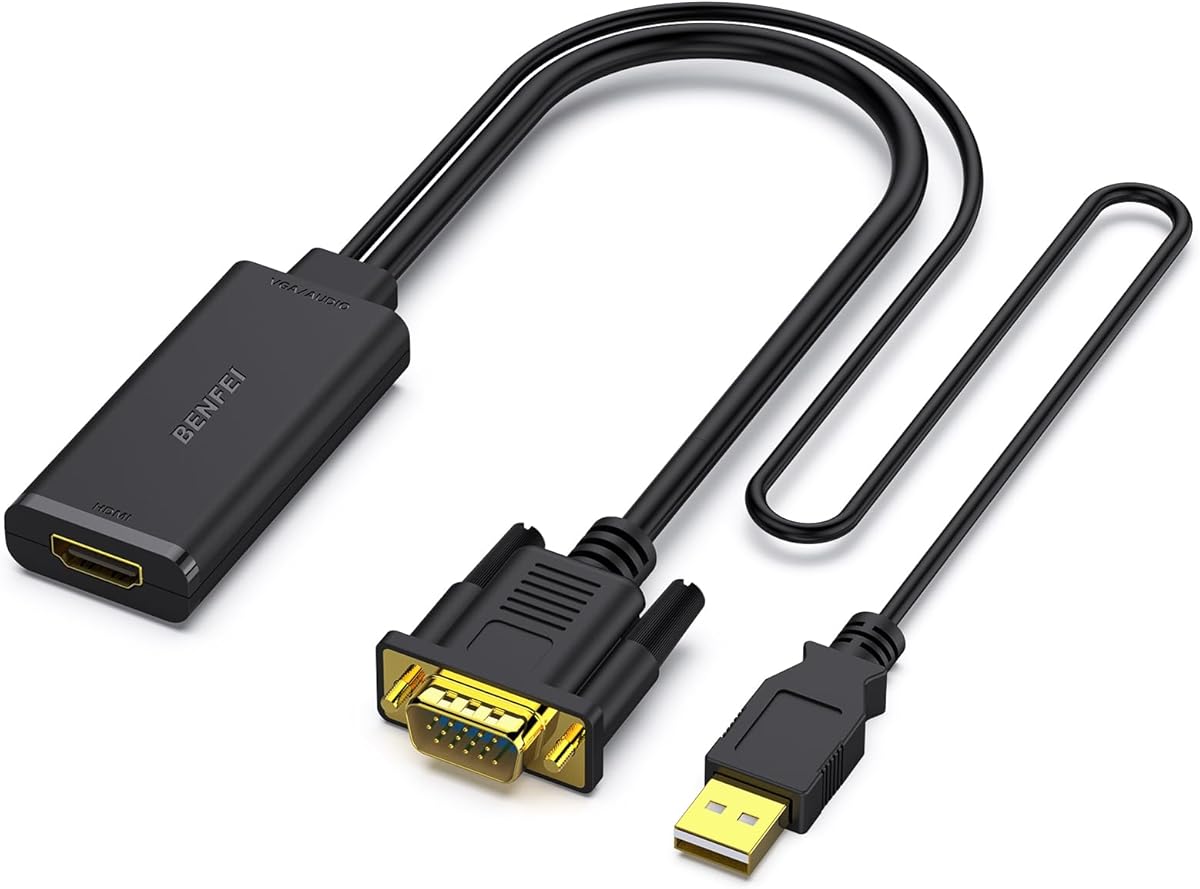
This adapter is unique because it handles VGA source inputs to HDMI displays. It allows older PCs to connect to modern TVs. The USB audio feature ensures sound is transmitted alongside video.
We may earn a commission when you buy through this link, at no additional cost to you.
The design is compact and portable for business presentations. It supports 1080p resolution for sharp visuals. Users appreciate the ease of setup without needing drivers.
Keep in mind that it only converts VGA to HDMI. If you need the reverse direction, you will need a different model. This distinction is important for buyers to note.
It is a great solution for connecting legacy computers to modern screens. The audio support adds significant value. Buyers looking for VGA-to-HDMI will find it reliable.
Integrated USB cable embeds audio output with the HDMI signal.
Ideal for connecting older devices with VGA outputs to newer screens.
We may earn a commission when you buy through this link, at no additional cost to you.
This product combines an adapter with a six-foot cable for greater reach. It allows users to place the source device further from the display. This setup is useful when the HDMI port is in a hard-to-reach location.
We may earn a commission when you buy through this link, at no additional cost to you.
The cable features gold-plated connectors and molded strain relief. These elements improve durability and signal quality. The length provides flexibility in arranging presentation setups.
While longer cables can sometimes suffer signal loss, this model maintains stability. It works well for standard resolution needs. The price point is reasonable for the length offered.
Users who need extra distance for their connections will benefit from this cable. It simplifies the setup process by combining two components. The quality is consistent with other BENFEI products.
Six-foot length provides flexibility for placement of devices.
Combines the adapter and cable into a single convenient unit.
We may earn a commission when you buy through this link, at no additional cost to you.
This adapter includes a 3.5mm audio jack for simultaneous sound and video. It allows for external speaker connections to improve audio quality. This feature is essential when using TVs without audio output.
We may earn a commission when you buy through this link, at no additional cost to you.
The design supports low-power devices like TV sticks via Micro USB power. It ensures stable operation even with devices that provide minimal power. The build quality is solid for daily use.
Users must provide a separate USB power source. While this adds a cable, it ensures reliability for various devices. The adapter handles 1080p resolution smoothly.
For setups requiring clear audio and video, this adapter is a smart choice. The audio jack offers flexibility. It works well with a wide range of source devices.
Dedicated 3.5mm jack allows connection to external speakers.
Micro USB port ensures stable performance with low-power devices.
We may earn a commission when you buy through this link, at no additional cost to you.
The UGREEN active adapter is known for stable performance across many devices. It includes a 3.5mm audio jack for convenient sound output. Users appreciate the optional power input for enhanced compatibility.
We may earn a commission when you buy through this link, at no additional cost to you.
Its active chipset ensures consistent video conversion up to 1080p. The brand is recognized for producing reliable tech accessories. It works with many common devices including laptops and consoles.
While it does not include cables, the adapter works with standard ones. This keeps the base price low. The build quality supports regular use in homes or offices.
Buyers looking for a trusted brand should consider this model. The audio and video quality is dependable. It is a strong contender in the mid-range market.
Built-in jack allows easy connection to external speakers.
Active chipset guarantees reliable signal conversion without flickering.
We may earn a commission when you buy through this link, at no additional cost to you.
This converter is designed for robust performance in industrial or commercial settings. It includes a 5V DC input to ensure stable signal over time. The active chipset maintains high-quality video output.
We may earn a commission when you buy through this link, at no additional cost to you.
The audio output allows for external speaker connections. This is useful for installations where the display lacks audio. The build quality is sturdy enough for heavy-duty use.
Due to its power requirements, it is less portable than some models. However, the stability it provides is worth the trade-off. It is suited for fixed installations rather than travel.
Users needing a reliable solution for fixed displays will find this suitable. The external power ensures consistent operation. It offers great value for professional environments.
External 5V power input ensures consistent performance for long periods.
Built for professional and industrial display needs.
We may earn a commission when you buy through this link, at no additional cost to you.
The StarTech adapter is designed for portability and clear picture quality. It includes an integrated audio port for speaker connectivity. The plug and play setup makes it easy to use immediately.
We may earn a commission when you buy through this link, at no additional cost to you.
Users report crisp visuals at 1080p resolution. The design fits well in laptop cases for travel. It provides a solid connection for presentations on the go.
While ratings are slightly lower than others, the product remains functional. It serves basic needs without unnecessary complications. The audio feature is a convenient addition.
This adapter is a good option for those prioritizing audio. It offers a balance of features for the price. Travelers will find it useful for business meetings.
Integrated audio port allows direct connection to external speakers.
Supports resolutions up to 1080p for clear visuals.
We may earn a commission when you buy through this link, at no additional cost to you.
Dell adapters are known for their simple and reliable design. This model provides essential conversion without extra complications. It is a trusted choice for users with Dell systems.
We may earn a commission when you buy through this link, at no additional cost to you.
The adapter is compact and easy to carry. It supports standard resolution needs effectively. The quality is consistent with Dell's reputation for reliability.
While it lacks some advanced features like audio outputs, it gets the job done. This simplicity is a benefit for users who want plug and play. It works well for standard office setups.
For those prioritizing brand reliability, this adapter is a solid pick. It offers a no-fuss solution for video conversion. The performance is dependable for everyday tasks.
Manufactured by Dell for reliable compatibility with their devices.
Straightforward connector ensures easy use without complications.
We may earn a commission when you buy through this link, at no additional cost to you.
Selecting the right adapter requires understanding your specific display needs. This guide outlines the key factors to ensure compatibility and performance.
Resolution determines the clarity of the video output on your monitor. Look for adapters supporting up to 1080p or 1920×1080 to ensure sharp images. This is critical for professional presentations or home theater setups.
Always verify the adapter matches your display's native resolution for the best experience.
Adapters are often unidirectional meaning they convert HDMI to VGA only. Some models support the reverse direction from VGA source to HDMI display. Check your source device and target display ports carefully before buying.
Confirming the direction prevents purchasing a device that cannot transmit your signal correctly.
Since VGA does not carry audio, some adapters include a 3.5mm jack for sound. This feature allows you to connect speakers while video is displayed. It is useful if your monitor lacks built-in speakers.
Choosing an adapter with audio output simplifies your setup by reducing extra cables.
Some active adapters require external power via a USB port to function properly. This is common when connecting to low-power sources like TV sticks. Ensure your source can provide power or the adapter includes a cable.
Powering the adapter correctly prevents connection drops or flickering issues during use.
Durability is key for frequent use in professional settings. Look for gold-plated connectors and molded strain relief. These features protect against corrosion and cable stress over time.
Higher quality materials extend the lifespan of the adapter significantly.
Universal adapters work with Windows, macOS, Linux, and ChromeOS without drivers. This plug and play capability ensures easy setup on any machine. It is especially important for users switching between systems.
Check for OS compatibility to avoid needing to install extra software.
A longer warranty indicates the manufacturer stands behind their product. Brands like Moread and BENFEI offer warranties up to five years. This protection is valuable for resolving defects or compatibility issues.
Prioritize brands with strong warranty terms for better long-term support.
Many adapters do not include a VGA cable so you must buy one separately. Some models include a combined HDMI to VGA cable for convenience. Consider whether you need an all-in-one solution.
Verify if cables are included to avoid hidden costs after purchase.
Connect the adapter to the HDMI port on your source device such as a laptop. Then plug a VGA cable from the adapter to your monitor. Ensure the connections are secure to prevent signal loss.
If your adapter requires power, connect the USB power cable to a USB port. Turn on your monitor and adjust the display settings on your computer to extend or mirror the screen.
Store the adapter in a dry place away from dust. Avoid bending the cable sharply to protect the internal wires. These steps help maintain performance for years.
Yes, but you may need an adapter for the Thunderbolt port first. Ensure the source device provides enough power for the VGA converter. Using a USB power cable can help if the connection fails.
They work for gaming but may introduce slight latency. They are suitable for casual gaming on a VGA monitor. For high refresh rates, check the adapter supports 60Hz.
VGA only transmits video signals not audio. You must use an adapter with an audio jack or separate speakers. This ensures you get sound along with your video.
Most active adapters are plug and play without needing drivers. They should work immediately after connecting to your PC or Mac. Just ensure your OS is up to date.
Yes if your graphics card supports multiple displays. Use separate adapters for each monitor. Ensure your system settings allow extending the desktop.
Active adapters have a chip to convert digital to analog signals. Passive ones may not work or require specific signals. Active converters are more reliable for standard HDMI outputs.
The Moread, BENFEI, and StarTech options offer top performance for most needs. They balance resolution support with reliable connectivity features. Choosing the right one depends on your specific device and usage scenario.
Prioritize audio output and power requirements if your setup needs them. These details ensure a seamless experience without extra troubleshooting. Consider the warranty for peace of mind.
Prices and availability can change frequently on Amazon. Check the current listings to confirm the best deal for your model. Always verify the compatibility before finalizing your purchase.